





How to Check iPhone Battery Cycle Count Without Apps

21/09/2026

8 Mins
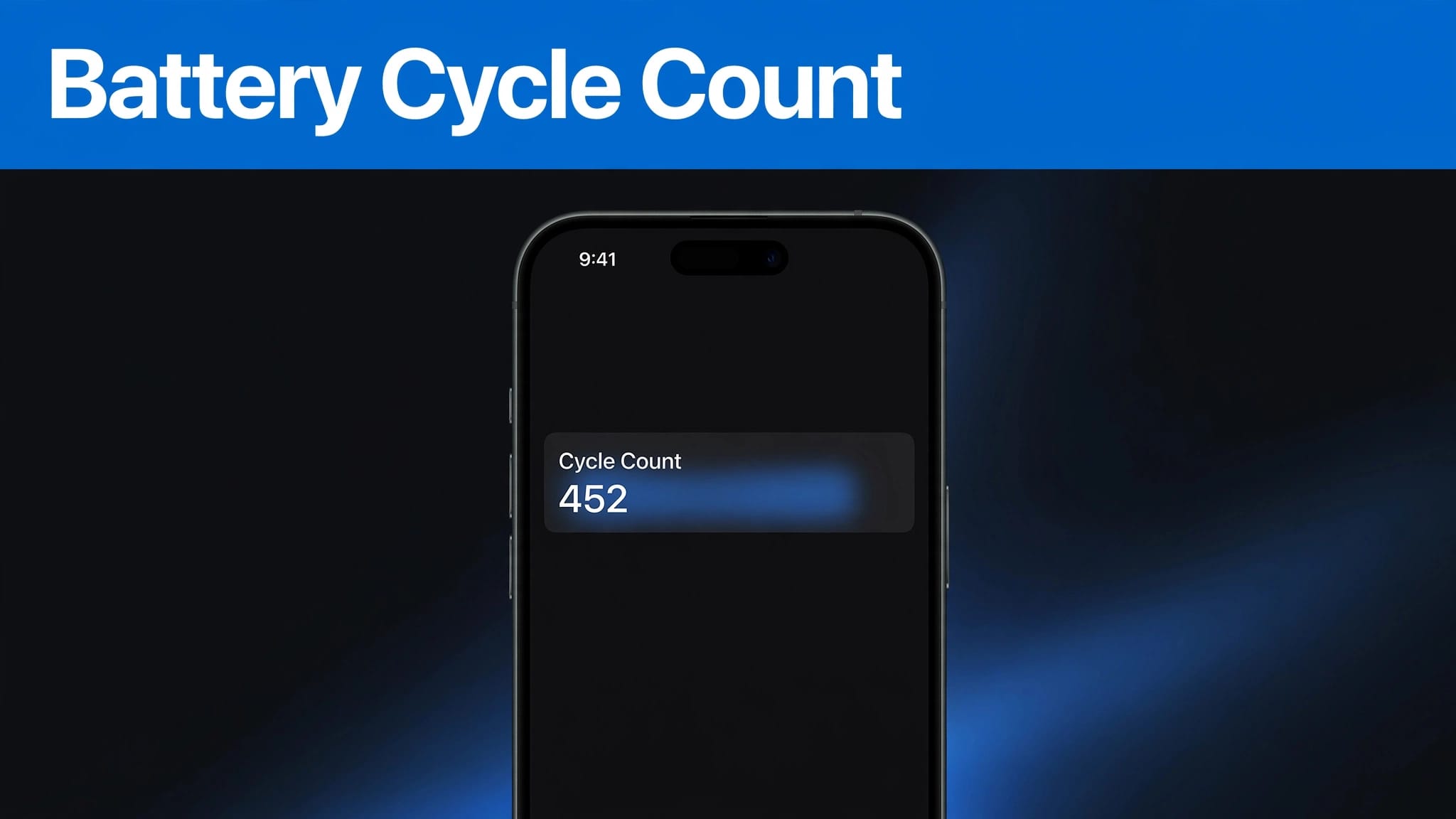
If you have an iPhone 15 or later running iOS 17.4 or newer, you can check this figure in Settings without downloading anything. On older iPhones, Apple shows battery health details, including maximum capacity, but not the same clear cycle-count figure in Settings.
That distinction matters when you’re comparing used handsets. A cycle count provides useful background, but battery life, charging behaviour and battery warnings tell you more about everyday use.
The Short Version
- Charge cycles mean using 100% of the battery’s capacity in total, not necessarily from 100% to 0% in one go.
- On iPhone 15 and later, look for battery details in Settings after updating iOS.
- Older iPhones show battery health through Maximum Capacity and Peak Performance Capability, but not a native cycle count.
- Apple designs older iPhone batteries to retain 80% of their original capacity after 500 complete cycles under ideal conditions. iPhone 15 models and later have a 1,000-cycle battery lifespan target.
- Treat 80% as a benchmark, not an automatic instruction to replace the battery.
Before buying, use the battery information alongside the practical points in our used iPhone buying checklist. A tidy casing alone tells you very little about how the phone will feel at 5pm.
What an iPhone Battery Cycle Count Means
Small top-ups still add up
Rechargeable batteries count a cycle as using the equivalent of their full charge once. If you use 50% today, recharge, then use another 50% tomorrow, that adds up to one complete cycle.
Therefore, charging overnight or topping up during the day does not automatically create a full cycle each time. The figure records total battery use over time, rather than the number of times you connected a cable.
Apple explains this in its iPhone battery and performance guidance. It is useful context, although it cannot predict precisely how long your iPhone will last on a single charge.
Cycle count and maximum capacity are different
Cycle count shows how much battery use has accumulated. Maximum capacity shows the battery’s present charge-holding ability compared with when it was new.
For example, an iPhone at 87% of its original capacity has less battery capacity available than when it was new. It may need charging more often, yet it is not automatically faulty. A low cycle count can still sit alongside weak battery health if heat, chemical age or a fault has affected it.
Two identical-looking iPhones can have very different battery wear. Cosmetic grade and battery health should always be checked separately.
Apple’s Cycle Targets for Older and Newer iPhones
Before the iPhone 15 generation
Apple states that batteries in iPhone 14 models and earlier are designed to retain 80% of their original capacity after 500 complete charge cycles, under ideal conditions. Real use isn’t a laboratory test, so a battery may reach that point earlier or later.
Temperature, charging conditions and chemical age all affect the result. These factors influence battery lifespan and battery health, and the benchmark can’t predict an unexpected shutdown.
We’d never reject a phone based on cycle count alone, especially if it still charges consistently and reports sound battery health.
iPhone 15 and later
Apple increased its published design target for iPhone 15 models and later to retain 80% of their battery capacity after 1,000 complete cycles under ideal conditions. These models can also show cycle count, battery condition, manufacture date and first-use date in Settings.
If you are comparing this generation, see the current range of refurbished iPhone 15 handsets alongside the stated battery condition. The newer cycle target is reassuring, but it shouldn’t replace a proper condition check.
How to Check Your iPhone Battery Cycle Count
Use Settings on iPhone 15 and later
First, update your handset to iOS 17.4 or later. Then open the Settings app and go to Settings > Battery > Battery Health. Look for the battery information section. Depending on your iOS version, Apple may also direct you through Settings > General > About > Battery.
You should see Cycle Count alongside the other battery readings. If the menu wording differs, use the Settings search field and type “Battery”. Apple has changed the layout and labels across iOS versions, so checking your own phone is more reliable than following an old screenshot.
Check Maximum Capacity at the same time
While you are there, read Maximum Capacity and Peak Performance Capability. The battery percentage is the more practical number for judging whether the phone is likely to need frequent top-ups.
If you are learning how to check battery health on a refurbished iPhone after delivery, also test ordinary use. Make a call, use Wi-Fi and mobile data, take a few photos, and charge the handset. A healthy reading is encouraging, but unstable charging or unusual heat needs attention.
Apple’s battery information for iPhone 11 and later confirms the native cycle-count feature for iPhone 15 models and later with the required iOS version.
What Older iPhones Can Show Without an App
Battery Health remains the useful native check
On older iPhones, open Settings > Battery > Battery Health & Charging. The screen shows maximum capacity, Peak Performance Capability and any service message.
Apple doesn’t document a native Settings readout for cycle count on these phones. A seller claiming an exact figure should explain where it came from. Don’t assume every online listing has obtained it reliably.
Analytics files are a limited workaround
iOS Analytics can contain battery fields, including CycleCount and capacity figures. However, reading these logs means locating and interpreting a technical file. It isn’t an Apple-supported consumer feature, and the values can be confusing.
In particular, NominalChargeCapacity and MaximumFCC describe battery capacity values in analytics data. They aren’t the same as the percentage shown in Settings. For most buyers, raw battery statistics are less useful than the visible screen and a proper return policy.
Reading Battery Health Before You Buy
Do not confuse Grade A with battery condition
“What does refurbished Grade A mean?” is a fair question, but the answer usually relates to cosmetic condition. It does not guarantee strong battery health, a new battery, or a particular cycle count.
A phone with minor marks and strong battery health can be a better purchase than a spotless handset that needs charging twice a day. A Grade A rating also doesn’t prove that a battery replacement has been carried out. Our refurbished iPhone grading guide explains why the grade, storage, warranty coverage and overall condition should be compared separately.
Check more than one screen
When buying in person, review the battery percentage and peak performance capability in Settings. Then open Settings > General > About to check for parts and service history where the phone supports it. Confirm that the phone is signed out of the previous owner’s Apple Account and that Activation Lock is off.
Knowing how to check if an iPhone is unlocked also matters. Battery figures don’t tell you whether the phone will accept your SIM. When you’re deciding what to check when buying a second-hand iPhone, include network status, Face ID, cameras, speakers and charging stability.
Heat, Charging and Chemical Ageing
Keep the phone away from sustained heat
Lithium-ion batteries age chemically, and heat accelerates that process. This chemical age contributes to capacity loss over time. Apple recommends an ambient temperature of 16 to 22°C where possible and warns against using or charging an iPhone above 35°C.
Avoid leaving it on a car dashboard, under bedding, or in direct summer sunlight while charging. A phone that feels warm during a backup or large update may be normal. One that becomes hot during light browsing deserves a closer look.
Use Optimised Battery Charging
Turn on optimised battery charging in Settings > Battery > Battery Health & Charging. It learns your routine and reduces the time the iPhone spends sitting at full charge before you need it.
We do not recommend obsessing over every percentage. Charge when you need to. Where available, a charge limit may also help. Keeping the phone cool, using sound cables, and avoiding long periods completely flat will do more for battery lifespan and sensible power management than constantly checking the cycle count.
What We See on the Bench at Used Mobiles 4U
Heavy use does not always show on the casing
One thing we regularly notice is that a very clean iPhone can still have a tired battery. Previous heat exposure, long storage periods and inconsistent charging leave little visible evidence on the frame or screen.
Our technicians check charging, cameras, speakers, microphones, connectivity and battery health before resale. We also inspect charging ports because pocket fluff, worn cables and poor connections can mimic battery problems.
Repair or replace depends on the whole phone
If an iPhone drains quickly, first rule out background setup activity, poor signal and power-hungry apps. iOS may use performance management after an unexpected shutdown, while power management and usage can also affect drain.
A battery replacement may improve battery life and performance stability, but it won’t repair a damaged charging port or poor mobile coverage. When deciding whether to repair or replace an old iPhone, we consider service options alongside its software support, storage, overall condition and repair history.
Our refurbishment process includes checks and secure data wiping, because a phone should work reliably beyond the first few days.
Common Questions About iPhone Battery Cycles
Does 80% Maximum Capacity mean the battery must be replaced?
No. It means the battery’s maximum capacity is lower than when new. Apple uses 80% as a design benchmark, not a compulsory replacement point. Consider battery replacement when daily runtime, performance messages or shutdowns make the phone frustrating to use.
Can a weak battery slow an iPhone down?
An ageing battery may struggle to provide peak power during demanding tasks. iOS can apply performance management after an unexpected shutdown to help prevent repeats. Look in Battery Health for Peak Performance Capability and service messages. Apple also notes that reporting can change after battery health recalibration.
How long will a used iPhone last?
There is no honest fixed number. Battery life, battery health, previous care, remaining software support and daily use matter more than the handset’s cosmetic grade. A tested phone with clear battery information is a safer bet than a private listing that only says it “holds charge”.
A Better Way to Judge Battery Condition
The iPhone battery cycle count is useful when your phone shows it natively, especially on iPhone 15 and later. It summarises the charge cycles the battery has completed. On older handsets, battery health, Maximum Capacity, Peak Performance Capability and real charging behaviour are clearer than awkward analytics data.
If you are transferring data to a new iPhone, back up first and check the battery screens before your return period ends. If you are selling instead, securely erase the device before you Sell Your Old Phone.
For a replacement, judge by stated battery condition rather than guesswork with Browse Refurbished iPhones. A battery does not need to be perfect to be worthwhile, but its condition should never be a surprise.
Written by James Waterston, 24 years in the mobile phone industry from customer service through to Sales Director of a global repair and recycling company. Now running Used Mobiles 4U for over 8 years.
LinkedIn profile
Looking for a refurbished phone?
Shop professionally tested refurbished iPhones and Samsung phones with 18 month warranty, 30 day returns and free UK delivery.
Browse Refurbished Phones



