





Why Are iPhone Notifications Not Showing Up?

14/10/2026

4 Mins
Missing iPhone alerts usually come down to app permissions, Focus, scheduled delivery or Apple Watch routing. Check these settings before attempting a reset.
If alerts aren’t showing for one app on your iPhone, start with that app’s notification settings. If every app is affected, check Focus first, then work through the remaining checks below.
The Short Version
- For one affected app, check its notification permissions, in-app settings and Show Previews.
- If notifications are silent across apps, turn off Focus mode and review Scheduled Summary. Check whether Low Power Mode is limiting background app activity.
- Alerts reaching your Apple Watch instead of your locked iPhone can be normal.
- Leave reinstalls and settings resets until last.
How to Fix iPhone Notifications Not Working: Quick Steps
Notifications not working? Run these checks in order. After each change, ask someone to send a fresh message.
- Open Settings > Notifications > the affected app. Check its notification permissions and display options. Turn on Allow Notifications, then select Lock Screen, Notification Centre and Banners. Banners alone won’t show alerts on the lock screen.
- Go to Settings > Notifications > Show Previews and select Always. This displays notification contents when your phone is locked, but anyone viewing your screen can read them. Hidden previews don’t mean alerts are disabled.
- Open Control Centre, tap Focus and switch off the active Focus mode, including Do Not Disturb. Then check Settings > Focus for schedules that could turn it back on. Focus usually silences alerts rather than stopping their delivery.
- In Settings, turn off Scheduled Summary. It holds selected non-urgent alerts until scheduled times. This differs from AI notification summarisation, which changes how notification content is presented.
- Check your Apple Watch. When your iPhone is locked, alerts may go to your unlocked Watch whilst you’re wearing it. Unlock your iPhone and test again before treating this as a fault.
- Load a webpage on Wi-Fi, then on mobile data. If it fails on either connection, switch to mobile data and test again. Temporarily turn off Low Power Mode under Settings > Battery, opening Power Mode if shown. Ordinary push notifications should generally still arrive. Turn Low Power Mode back on after testing.
- Open the affected app and check its own notification controls, muted conversations and account sign-in. If alerts arrive only after opening it, check connectivity, background restrictions and app settings before assuming hardware failure.
Restart iPhone, Then Update Its Software
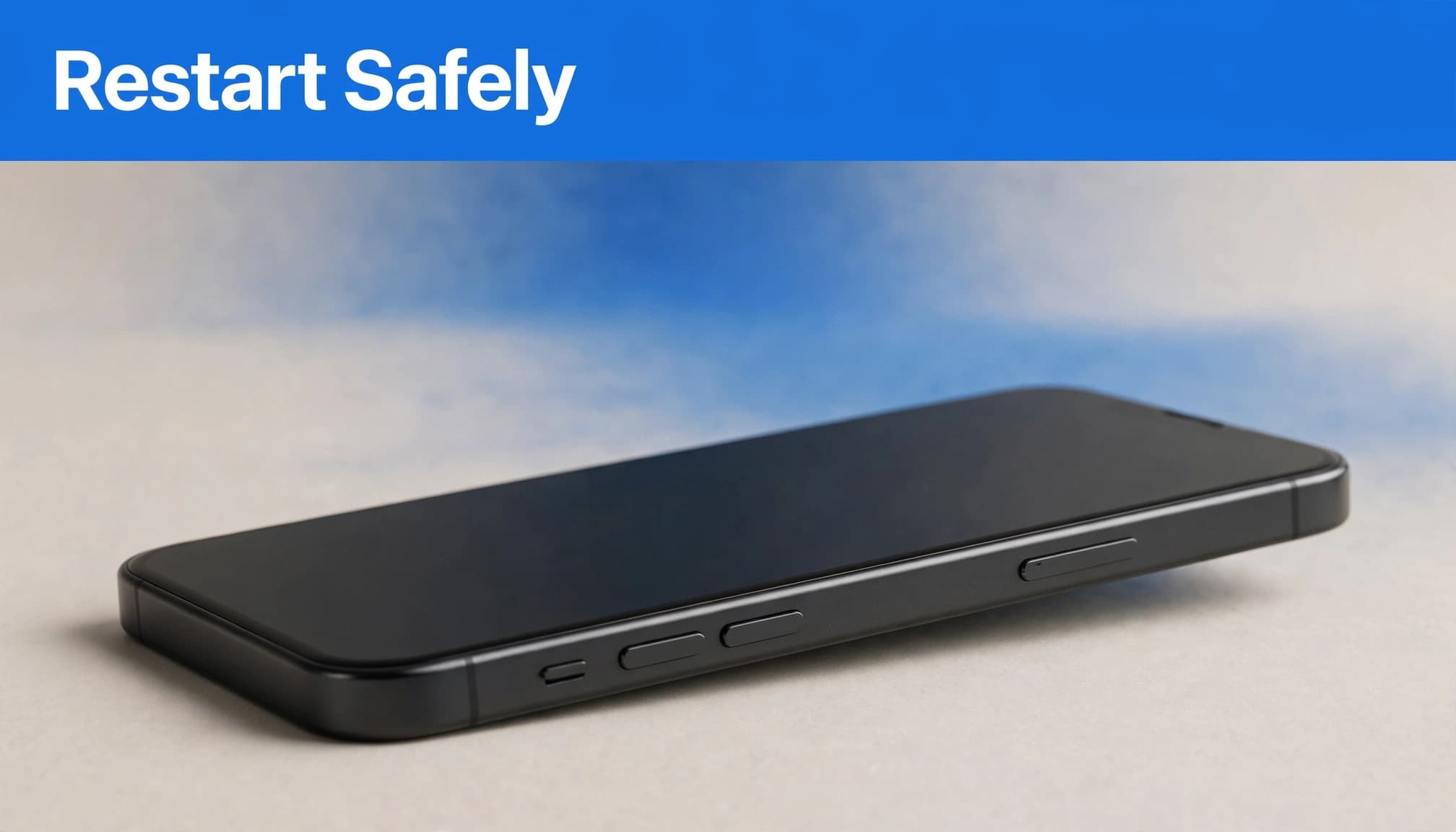
Start with a normal restart
On Face ID-equipped iPhones, hold the side button and either volume button until the power slider appears. Drag it, wait about 30 seconds, then hold the side button to switch on.
On Home-button iPhones, hold the side button or top button until the slider appears.
Install any available iOS update through Settings > General > Software Update. Update the affected app through the App Store too. If notifications stopped around an update such as iOS 17.7, check for a newer release. The timing alone doesn’t prove the update caused the issue.
Force restart an unresponsive phone
On most current iPhones, quickly press and release Volume Up, then Volume Down. Hold the side button until the Apple logo appears.
Older handsets use different combinations, so follow Apple’s model-specific force-restart instructions. A force restart doesn’t erase your data.
If freezing accompanies the missing alerts, our iPhone freezing fixes cover additional software checks.
Reinstall One App Before Resetting Everything
When reinstalling makes sense
If notifications still fail in just one app, reinstalling it is more proportionate than resetting the whole phone. Deleting an app can remove locally stored files or conversations.
Secure its backups and sign-in details first. Then delete the app, download it again and allow alerts when prompted.
If every other app works, contact the affected app’s support team before escalating to Apple.
What Reset All Settings removes
Back up first through Settings > your name > iCloud > iCloud Backup > Back Up Now.
Then open Settings > General > Transfer or Reset iPhone > Reset > Reset All Settings.
Apple’s Reset All Settings guidance confirms that photos, messages, apps and documents remain. Network settings, saved Wi-Fi connections and passwords, privacy preferences and other settings return to defaults. Apple Pay cards are also removed.
Don’t select Erase All Content and Settings. That’s a separate operation that wipes the device.
What We Check Before Resale
Our functional checks cover speakers, microphones, Wi-Fi, mobile signal, charging and touch response. They help distinguish a notification delivery issue from a sound or connectivity fault.
If banners appear but make no sound, test audio playback and review the app’s Sounds setting. Cosmetic grading doesn’t diagnose software issues.
If you’ve just bought a second-hand iPhone, test messages with the screen locked and unlocked, then try both Wi-Fi and mobile data. Report persistent faults promptly rather than attempting a repair yourself.
For a phone bought from us, our device troubleshooting and support is the next step.
Frequently Asked Questions
Why are notifications not working when they’re switched on?
Check Settings > Notifications > Messages, then inspect the affected conversation for Hide Alerts. If message content is missing from the locked screen, check Show Previews. Review Focus and Apple Watch routing too. For silent alerts, check Sounds and Silent Mode. If texts never arrive, contact your network provider.
Why did alerts stop after an iOS update?
Missing alerts have been reported after iOS 17.7, but timing alone doesn’t prove the update caused them. A temporary software glitch is possible, so restart the iPhone, update apps and recheck settings. If notifications still fail across multiple apps, contact Apple Support.
Restore Alerts Before Considering Replacement
Missing notifications alone rarely justify replacing an iPhone, even if the issue started after an iOS 17.7 update. Check permissions, delivery settings and connectivity before considering a reset.
If the problem persists after these checks, seek support rather than repeatedly wiping the phone. Back up your data before any repair, restore or replacement.
Looking for a refurbished phone?
Shop professionally tested refurbished iPhones and Samsung phones with 18 month warranty, 30 day returns and free UK delivery.
Browse Refurbished Phones



