

iPhone Calls Going Straight to Voicemail: Settings to Check

28/10/2026

6 Mins
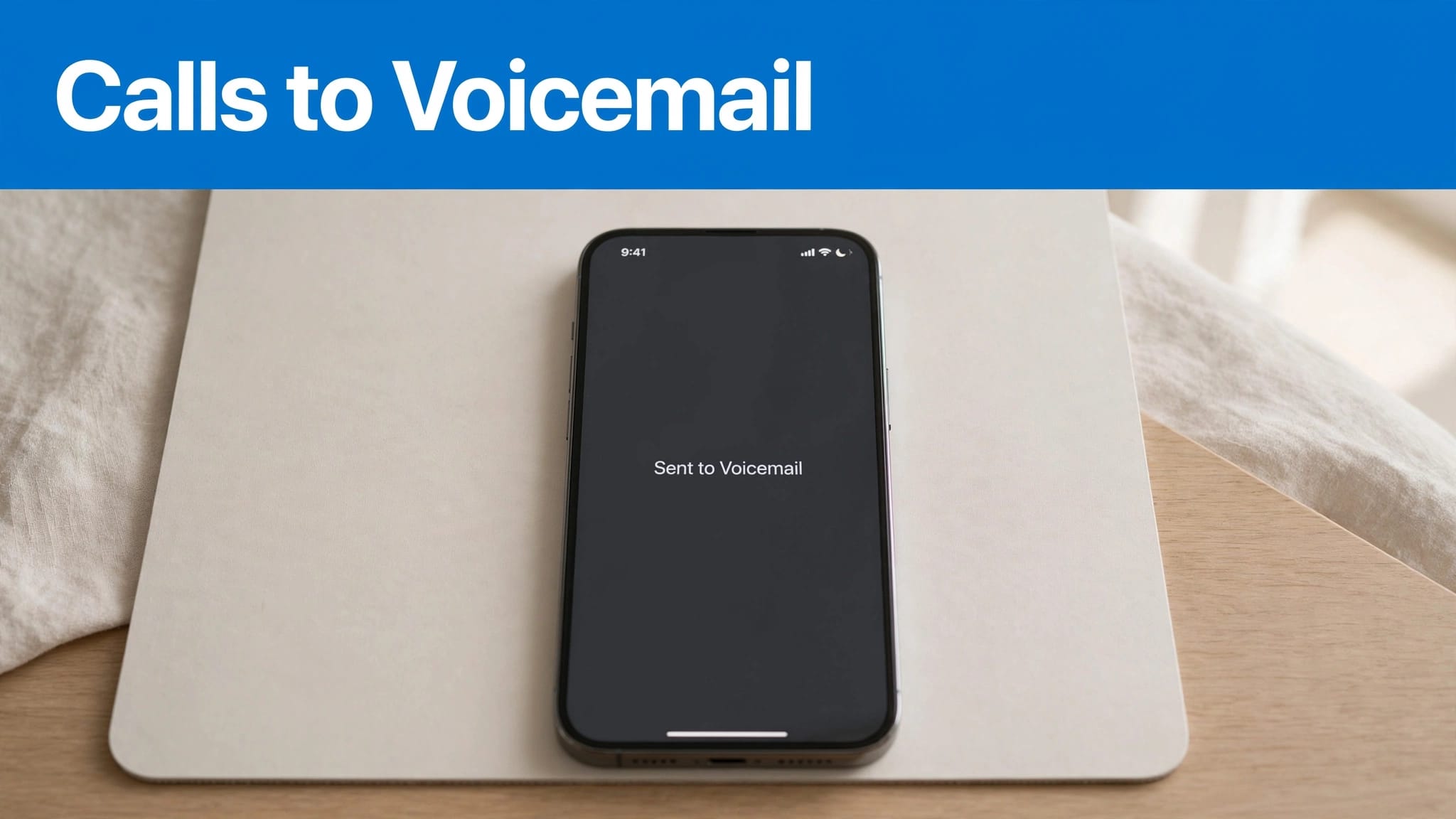
When iPhone calls go straight to voicemail, check Focus, unknown-caller silencing, mobile signal and Call Forwarding first. A switched-on phone can still send calls away without ringing because of these settings.
We recommend changing one setting at a time, then calling from another phone. That makes it easier to identify the cause without resetting everything unnecessarily.
The Short Version
- Start with a test call from a saved contact, then try an unsaved number.
- Turn off Focus mode and unknown-caller silencing temporarily.
- Check signal, Airplane Mode, blocked contacts and Call Forwarding.
- Leave network resets until the simpler checks have failed.
How to Restore Incoming iPhone Calls: Quick Steps
These steps don’t erase your photos or messages. On iOS 18 and later, Phone settings sit under Settings > Apps > Phone. On iOS 17, use Settings > Phone.
- Open Phone and check Recents, or the Calls list in the newer layout. Note whether the failed call appears.
- Open Control Centre > Focus. Turn off Do Not Disturb or another active Focus.
- On iOS 18, open Settings > Apps > Phone > Silence Unknown Callers and switch it off. On iOS 26, set Screen Unknown Callers to Never.
- In Control Centre, switch Airplane Mode on briefly, then off. Wait for your network connection to return.
- Open Settings > Apps > Phone > Call Forwarding. Switch off any forwarding you didn’t intend to use.
- Search Settings for Blocked Contacts. Remove the affected number if you blocked it accidentally.
- Check Settings > Screen Time > Communication Limits. Restrictions there may limit who can contact your iPhone.
- Restart the iPhone, then repeat your test call with the screen locked.
If only unsaved numbers fail, concentrate on caller screening. If every caller fails, investigate Focus, forwarding and the mobile connection.
Focus and Unknown Callers Need Different Checks
Stop Focus switching itself back on
Turning Focus off once won’t fix a schedule that activates it again later. Open Settings > Focus, select the active profile and review its schedules or Smart Activation.
Also inspect its People settings. A Focus may allow certain contacts whilst silencing everyone else. Repeated Calls can explain why someone’s second attempt rings when their first doesn’t.
If Share Across Devices is enabled, another Apple device can affect your Focus status. We recommend testing with Focus completely off before changing individual permissions.
Allow calls from unsaved numbers
On iOS 18, Silence Unknown Callers sends unrecognised calls straight to voicemail without ringing. Those callers may still be able to leave a voicemail.
On newer iOS versions, Screen Unknown Callers offers different handling options. Choose Never while diagnosing missing calls. Call-list filtering is separate from deciding whether calls ring.
Apple’s unknown-caller controls explain these options. This matters when you’re expecting a hospital, delivery driver or business calling from a number you haven’t saved. Also inspect any third-party call-blocking app.
Check Signal and Call Diversion Before Blaming the Phone
Separate a network failure from a silenced call
If the iPhone is switched off or outside the carrier network’s coverage, calls go to carrier voicemail. The phone can’t handle these calls on-device.
No missed-call entry can suggest that the call never reached your phone. However, it isn’t proof of a hardware fault. Try another location and look for a wider outage through your network’s service-status page or Downdetector.
If trouble started after changing phones, remember that copying photos doesn’t activate a SIM or eSIM. Our data and mobile-service transfer guide explains that distinction.
Apple also recommends considering Wi-Fi Calling when calls don’t ring, particularly where indoor mobile coverage is poor.
Understand what diversion codes actually do
Call Forwarding can send every incoming call elsewhere. Conditional network diversions can also send unanswered or unreachable calls to voicemail.
EE’s voicemail diversion instructions include **21*222# for diverting all calls. Entering that code enables diversion, so don’t use it as a fix for calls already going straight to voicemail.
EE also lists **61*222*20# for diversion after a delay, with 20 representing seconds. Its instructions require a delay divisible by five.
These are EE instructions, not universal codes for every UK network. Avoid copying diversion codes indiscriminately.
Restart, Update and Reset Only When Needed
Software bugs and outdated carrier settings can affect incoming calls. After restarting, open Settings > General > Software Update and install an available iOS update.
Then open Settings > General > About. Accept a carrier-settings update if the phone offers one. Our device troubleshooting guidance covers other software and connectivity checks.
If calls still fail, back up first through Settings > your name > iCloud > iCloud Backup > Back Up Now.
For a network reset, open Settings > General > Transfer or Reset iPhone > Reset > Reset Network Settings.
This removes saved Wi-Fi networks and passwords and resets mobile-network settings. It also removes VPN settings that weren’t installed through a configuration profile or device management.
Your photos and apps remain. Reset Network Settings isn’t the same as resetting everything, and deleting Bluetooth pairings isn’t its standard documented effect.
Don’t choose Erase All Content and Settings for this troubleshooting step.
What Live Voicemail Does When Calls Don’t Ring
Live Voicemail displays a voicemail transcription whilst someone leaves a message. Turn it on through Settings > Apps > Phone > Live Voicemail on iOS 18 and later.
It arrived with iOS 17, where the path starts Settings > Phone. Availability depends on language and region.
During transcription, the caller can’t hear you unless you answer. Tapping Stop ends the incoming voicemail without answering; it doesn’t block that number.
Silenced unknown callers can go straight to Live Voicemail. Calls your carrier identifies as spam are declined rather than sent into Live Voicemail.
Meanwhile, carrier voicemail works through your mobile network when the handset is unavailable. Visual voicemail is the message list inside the Phone app, where supported.
We wouldn’t disable this feature as the first troubleshooting step. It receives calls that have already been routed away from ringing.
Access, Set Up and Save Voicemail
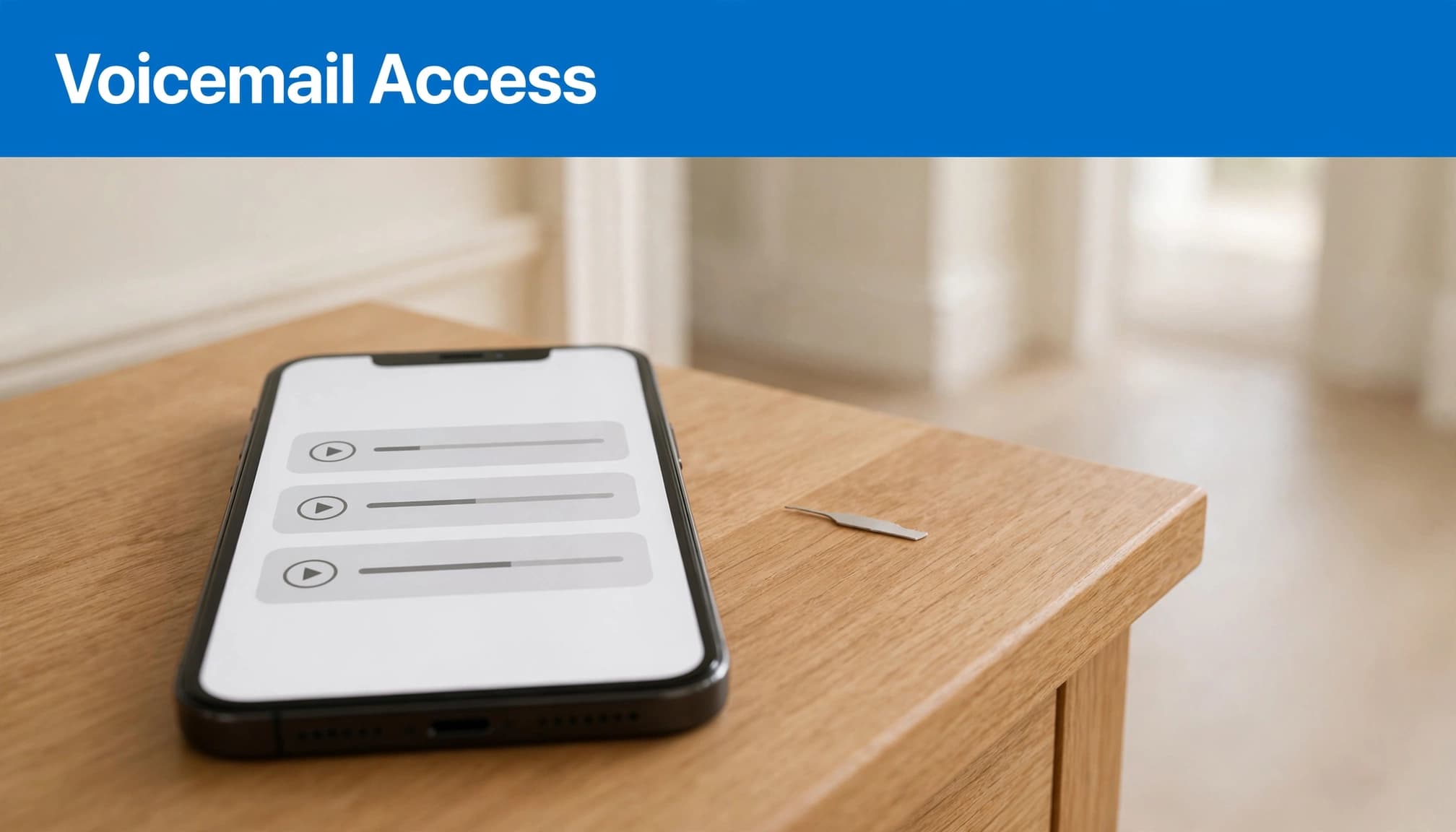
Find messages in either Phone layout
In the classic Phone layout, tap Voicemail at the bottom. In the unified layout on newer iOS versions, open Calls, tap the filter control, then choose Voicemails.
Apple’s voicemail access instructions cover the available layouts. A missing Voicemail tab doesn’t automatically mean your messages have disappeared.
Without visual voicemail, open Phone > Keypad and press and hold 1. You can also call your own number and follow the voicemail prompts, entering your PIN when requested.
Visual voicemail support depends on your network and service, rather than the handset’s cosmetic grade.
Create a greeting and protect important messages
During first-time setup, follow the prompts to create your voicemail PIN and record a voicemail greeting. Some services accept 4 to 15 digits, but that range isn’t a universal rule across UK networks.
In the Greeting menu, choose Custom, record a custom greeting, play it back and tap Save. You can select Default for comparison instead of using a personal recording.
To save voicemail, open Voicemail, select the message and tap Share. Save important recordings before deleting them.
Google Fi’s iPhone voicemail guidance describes a 45-message limit and an SMS saying “Please call” followed by the number when full. That’s a Google Fi service limit, not a universal iPhone capacity.
What We Check Before Resale
Before resale, we test mobile signal, calls, texts, SIM recognition and charging. A clean-looking phone can still have an intermittent functional fault, so cosmetic condition alone doesn’t establish reliability.
We recommend the same approach when checking a second-hand iPhone: make incoming and outgoing calls, restart it, then repeat. Our day-one refurbished iPhone checks cover the wider inspection.
If you’ve changed networks, open Settings > General > About > Network Provider Lock. An unlocked iPhone should show “No SIM restrictions”. Poor coverage or an inactive SIM can still prevent calls.
Battery health matters if the phone unexpectedly switches off. However, a tired battery doesn’t explain why only unsaved callers go straight to voicemail.
For persistent faults, record the time, location and affected numbers before contacting support. That gives a technician something repeatable to investigate.
Frequently Asked Questions
Why does an iPhone go to voicemail when it’s switched on?
Focus, unknown-caller silencing, blocked contacts and forwarding can all affect a powered-on iPhone. Poor reception or an inactive SIM can also stop calls arriving. Silent mode alone normally mutes the ringtone rather than immediately diverting the call.
Does this mean a refurbished iPhone needs replacing?
No. We recommend ruling out settings and network problems before paying for repair or replacement. If a repeatable fault remains, our guide to refurbished phone warranty cover explains the distinction between faults, damage and other exclusions.
Restore Ringing Before Considering Replacement
Most useful checks involve call routing and connectivity, so start there before assuming the handset has failed. Change one setting, call again and keep a note of what happens.
If the problem survives those checks, a clear record helps separate a network issue from a repairable fault. A voicemail problem alone isn’t a reason to replace an otherwise dependable iPhone.
Looking for a refurbished phone?
Shop professionally tested refurbished iPhones and Samsung phones with 18 month warranty, 30 day returns and free UK delivery.
Browse Refurbished Phones