





Why Does My iPhone Keep Restarting by Itself?

13/09/2026

6 Mins
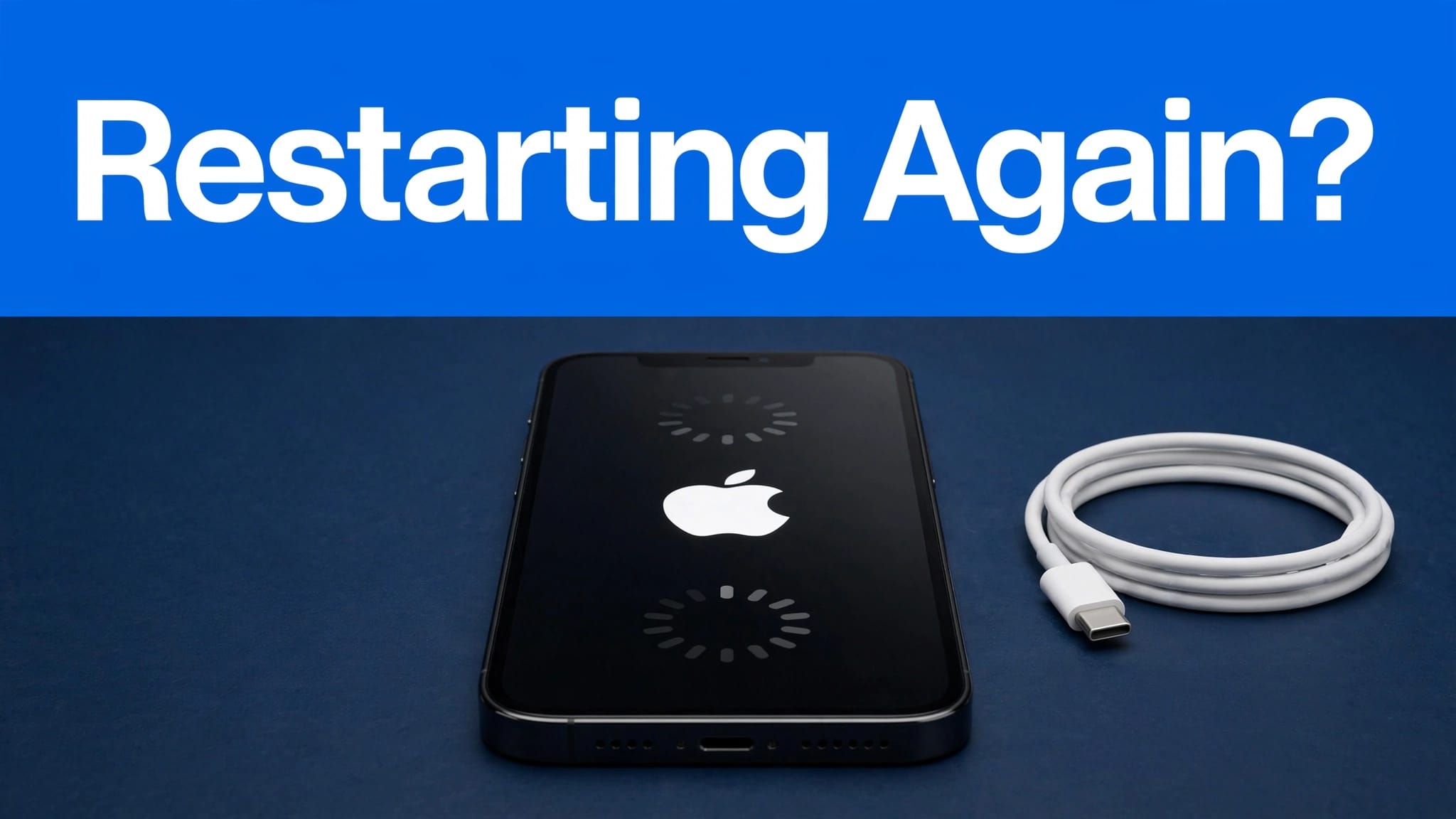
If your iPhone keeps restarting, the cause is usually an iOS fault, low free storage, battery wear, or a hardware issue. Start with troubleshooting steps that protect your data, then move towards recovery mode or repair if the restarts continue.
Try to backup your iPhone to iCloud or a computer while it stays on long enough. Repeated restarts can develop into a boot loop without much warning.
The Short Version
- Try a force restart first, as it doesn’t erase your personal data.
- Check battery health in Settings > Battery > Battery Health & Charging.
- Install the latest software update if the phone reaches the Lock Screen.
- Use recovery mode and choose Update before Restore.
- Seek a repair inspection if restarts persist after updating, especially with charging faults, heat or liquid exposure.
Why an iPhone keeps restarting
An occasional restart after an update isn’t always serious. However, repeated reboots, a phone stuck on the Apple logo, or a restart every three minutes needs attention.
Software, storage and app faults
An incomplete software update, software corruption or an app that repeatedly crashes can make an iPhone restart. First, check Settings > General > iPhone Storage. If storage is full, remove large downloads, unused apps and old videos.
Then go to Settings > General > Software Update. Updating iOS can correct known stability problems without wiping the handset. If the problem began after installing one app, update it or delete it temporarily.
Battery and charging issues
A worn battery may struggle to deliver power during demanding tasks, particularly when the iPhone is cold or running navigation, video or games. Open Settings > Battery > Battery Health & Charging and check Maximum Capacity and any Service message.
A loose connection or damaged flex cable can cause unstable charging and look like a battery fault. Try a known-good cable and plug, then check whether the charge port only works at a particular angle. Lint can prevent a proper connection, but worn contacts need a technician’s inspection.
If restarts continue after these storage, app, cable and battery checks, a hardware issue may need professional assessment.
A tidy-looking iPhone can still have a tired battery or unreliable charging. Cosmetic condition doesn’t prove that the phone is healthy.
Force restart an iPhone safely
A force restart is the best first step when the screen freezes or your iPhone keeps restarting. It doesn’t erase photos, messages or apps.
iPhone 8 and later
For iPhone 8, newer models and second-generation or later iPhone SE handsets, quickly press Volume Up, then quickly press Volume Down. Hold the Side button until the apple logo appears.
Apple provides model-specific button sequence instructions if you need to confirm the steps.
iPhone 7 and iPhone 7 Plus
Hold the Side button and Volume Down button together. Release them when the apple logo appears.
iPhone 6s and earlier models
Hold the Home button and Side or Top button together until you see the apple logo. If the phone still won’t start, charge it for an hour before trying again.
Update iOS before using recovery mode
When the phone remains on long enough, update iOS normally. Also update apps through the App Store, then watch whether restarts stop over the next day.
Back up before deeper troubleshooting
Before deeper troubleshooting, backup your iPhone through Settings > [your name] > iCloud > iCloud Backup > Back Up Now. You can also connect to a Mac, open Finder, select the iPhone and choose Back Up Now. On Windows, use the Apple Devices app.
This is also sensible advice when you transfer data to a new iPhone. A recent backup means a repair, reset or replacement won’t cost you your photos.
Use recovery mode carefully
If the iPhone remains stuck in a boot loop, connect it to a Mac or Windows computer and enter recovery mode. When the computer offers Update or Restore, choose Update first. It attempts to reinstall iOS without erasing the phone.
Restore installs a fresh copy of iOS and acts much like a factory reset, erasing the handset. Only use it when you have a backup or accept that data may be lost. If an error message such as 9, 4013 or 4014 appears, stop repeating the process and have the phone checked.
If the normal update and recovery process fails, DFU mode is a more advanced last resort. Consider it only after the standard options have failed.
What We See on the Bench at Used Mobiles 4U
Our technicians often see restart complaints linked to battery condition, unstable charging or previous damage, rather than one straightforward hardware issue. Several components may need testing, including battery behaviour, charging, wireless charging, Face ID, cameras, microphones, speakers, mobile signal and touch response before resale.
A common example is an iPhone that appears fine until it is connected to a cable. Packed pocket lint may stop the plug seating correctly, while a cable that only works at one angle can point to worn contacts or a damaged flex cable.
When analytics logs help
If you can access Settings > Privacy & Security > Analytics & Improvements > Analytics Data, look for files beginning with “panic-full”. A file may indicate a kernel panic.
A kernel panic means iOS encountered a serious failure. Any error message shown alongside the restart should be assessed with the phone’s physical condition and logs.
The panic string in the file can support diagnosis, but a kernel panic log doesn’t prove which component failed. That panic string can’t identify the failed part by itself. We don’t recommend treating the panic string as a DIY repair instruction.
Repair or replace an old iPhone?
Repair is often sensible when the likely work is limited to battery replacement, and the screen, frame, cameras and Face ID still work reliably. A hardware fault involving the logic board may need a more involved assessment before repair is considered.
Replacement is usually the safer choice when the phone has liquid damage, a bent housing, several failing functions or repeated restart cycles after software recovery.
If repair no longer adds up, you can browse refurbished iPhones that have been tested, data-wiped and checked for daily functions. You can also sell your old phone rather than leaving a faulty handset in a drawer.
FAQ
How do I check battery health on a refurbished iPhone? Open Settings > Battery > Battery Health & Charging. Check Maximum Capacity, Peak Performance Capability and any service warning. Parts and Service History may also appear under Settings > General > About on supported iPhones.
Could the charge port cause restarts? It can contribute to unstable charging behaviour. If the phone restarts only when charging, test another cable and plug, then arrange an inspection if the cable feels loose or only charges at an angle.
Final Thoughts
When an iPhone keeps restarting, begin with a force restart, a backup, battery checks and an iOS update. Recovery mode is the next step, but Restore or a factory reset can erase your data.
A repeat restart cycle after those checks points towards a hardware issue. A proper assessment can help you decide whether a hardware fault makes repair worthwhile or replacement is more sensible.
Written by James Waterston, 24 years in the mobile phone industry from customer service through to Sales Director of a global repair and recycling company. Now running Used Mobiles 4U for over 8 years.
LinkedIn: https://uk.linkedin.com/in/james-waterston-9039a21a
Meta description: Find out why your iPhone keeps restarting, how to check battery health, update iOS, use recovery mode and decide whether repair is worthwhile.
Looking for a refurbished phone?
Shop professionally tested refurbished iPhones and Samsung phones with 18 month warranty, 30 day returns and free UK delivery.
Browse Refurbished Phones



