





MacBook Air M1 Chip: The Refurbished Reality

01/10/2026

8 Mins
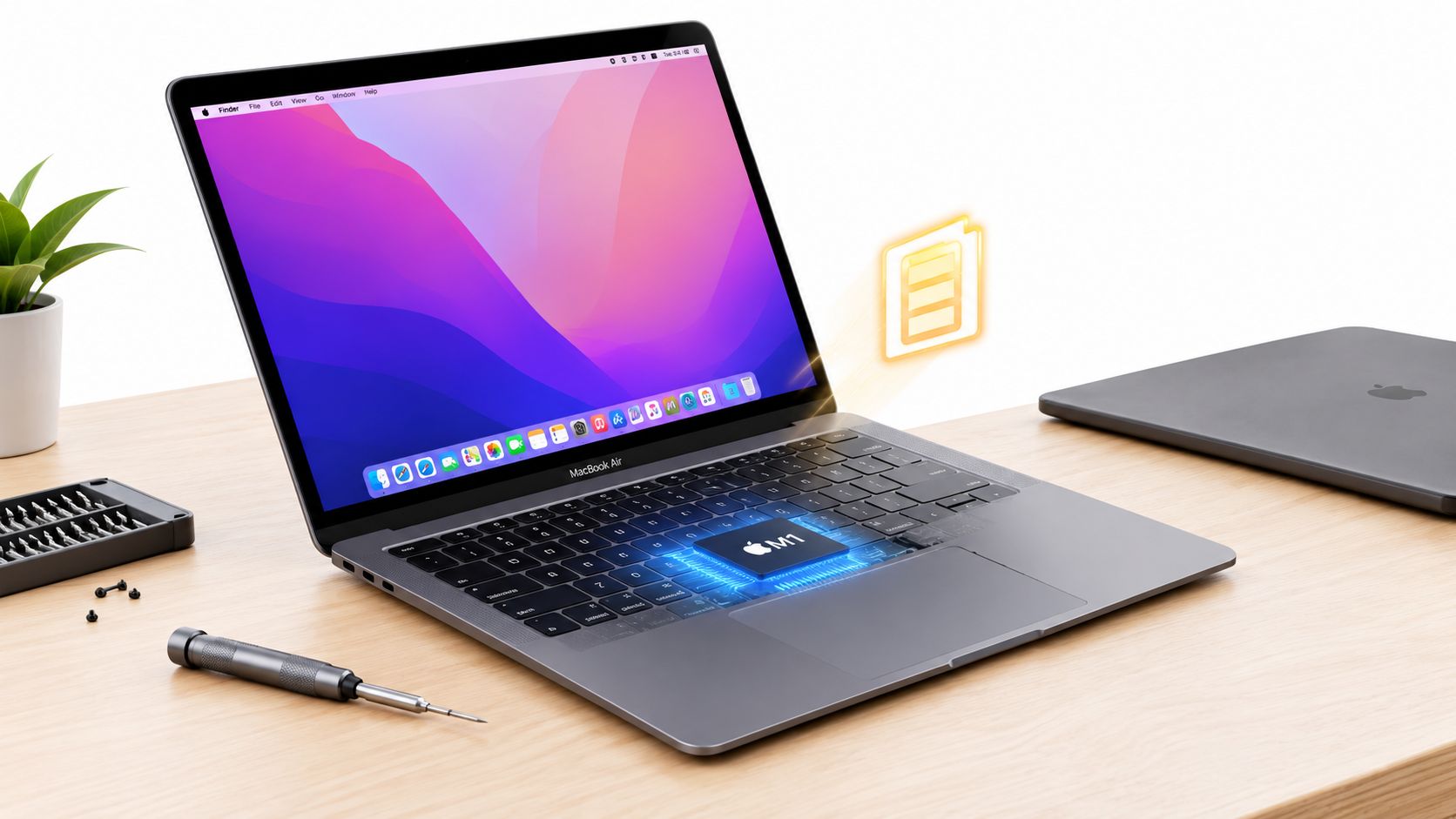
The MacBook Air M1 chip is still a sensible refurbished buy for many UK customers, but the battery matters more than the processor's age. A properly tested unit with healthy battery capacity can handle everyday work comfortably, while a worn battery can make an otherwise excellent laptop feel tired.
Quick Answer – Is the Refurbished MacBook Air M1 Still Worth It
Yes, for web browsing, documents, video calls, study, streaming and general home use, the refurbished MacBook Air M1 remains good value. It isn't the newest MacBook Air anymore, but Apple Silicon made such a strong jump from Intel that the M1 still feels quick and quiet in ordinary use.
The important question has changed. Buyers don't need to ask only whether the M1 chip is powerful enough. They need to ask whether the particular second-hand laptop has enough battery life left, whether it has been properly tested, and how long its software support will remain useful.
Apple introduced the M1 MacBook Air in November 2020, with UK launch coverage listing £999 for the base model with 8GB of RAM and 256GB of storage, and £1,249 for the 8GB and 512GB version (UK launch review and pricing). That original value has helped it remain popular, but age now shows itself most clearly in the battery rather than day-to-day speed.
Practical rule: A healthy battery and trustworthy refurbishment matter more than saving a little money on a heavily used example.
What the M1 Chip Actually Means for Everyday Use
Apple moved the MacBook Air from Intel processors to its own M1 system-on-a-chip. In plain English, the CPU, graphics processing and other important functions work closely together, which helps the laptop complete ordinary tasks without producing much heat or noise.
The Air is fanless, so it doesn't have a cooling fan constantly spinning under normal workloads. That makes a real difference in a quiet office, a library or a bedroom. Opening browser tabs, writing reports and joining video calls feels calm rather than mechanical.
The configuration uses an 8-core CPU and a 7-core GPU, as listed in UK product information for the M1 Air (Apple MacBook Air M1 technical specifications). The CPU cores handle general work, while the GPU helps with visual tasks such as photo adjustments, video playback and graphical interfaces. Most customers won't need to think about the distinction, but it explains why the laptop can manage several types of work at once.
A useful comparison is a hybrid car. It doesn't need to rev loudly every time it pulls away, because the system uses its available power efficiently. The M1 Air behaves similarly. It wakes quickly, switches between apps smoothly and doesn't waste energy generating unnecessary heat.
The difference between an M1 and a newer Apple chip can matter for demanding professional work, but it usually isn't dramatic for emails, Microsoft 365, web research or streaming. Our refurbished laptop range is best judged by the job you need the machine to do, not by the number printed on the processor.
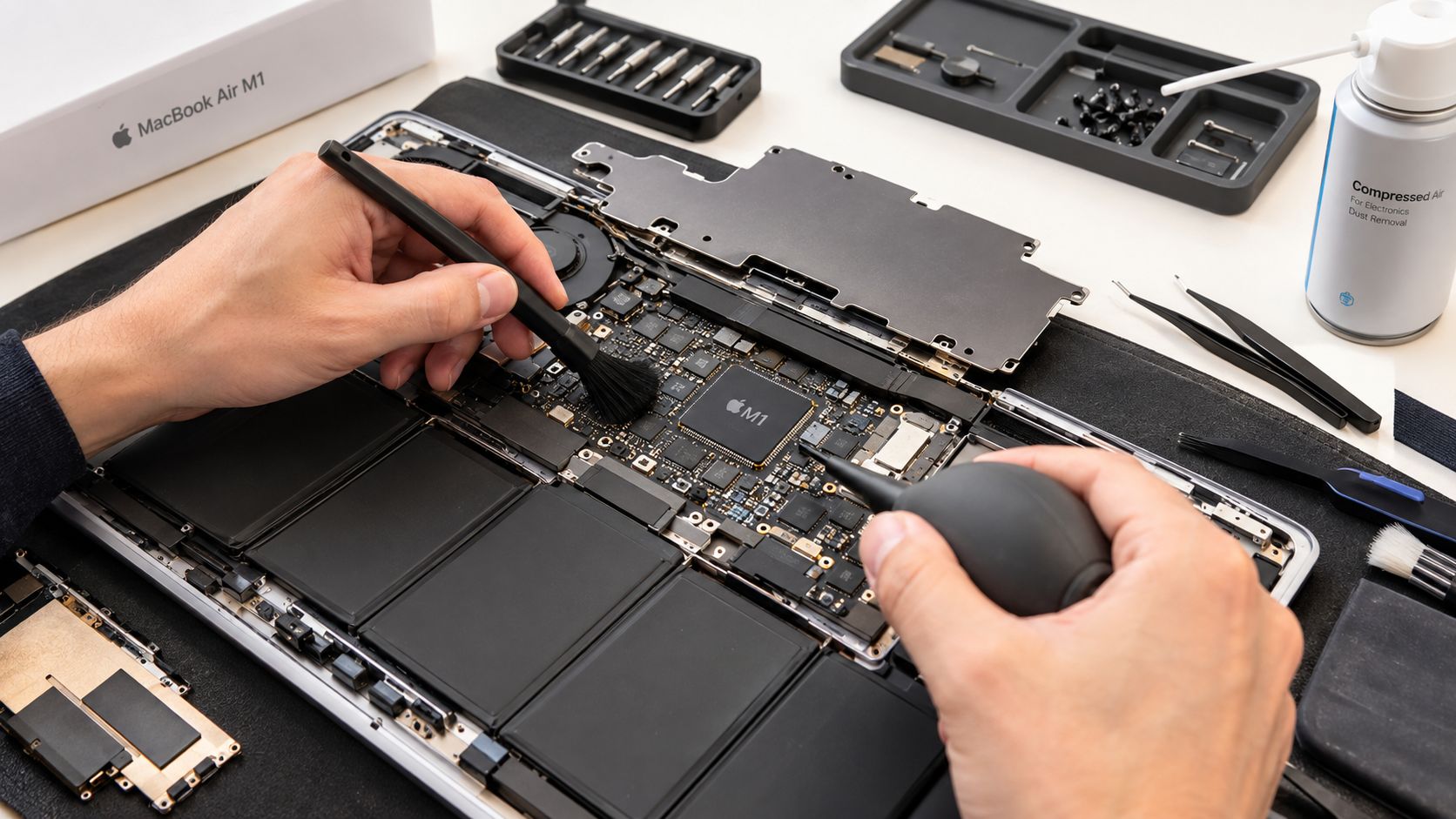
For calls, recordings and online meetings, clear output can matter as much as speed. If you regularly dictate or record on a MacBook, this guide to improve MacBook audio quality may help you get more from the built-in setup.
Battery Life Expectations When Buying Used
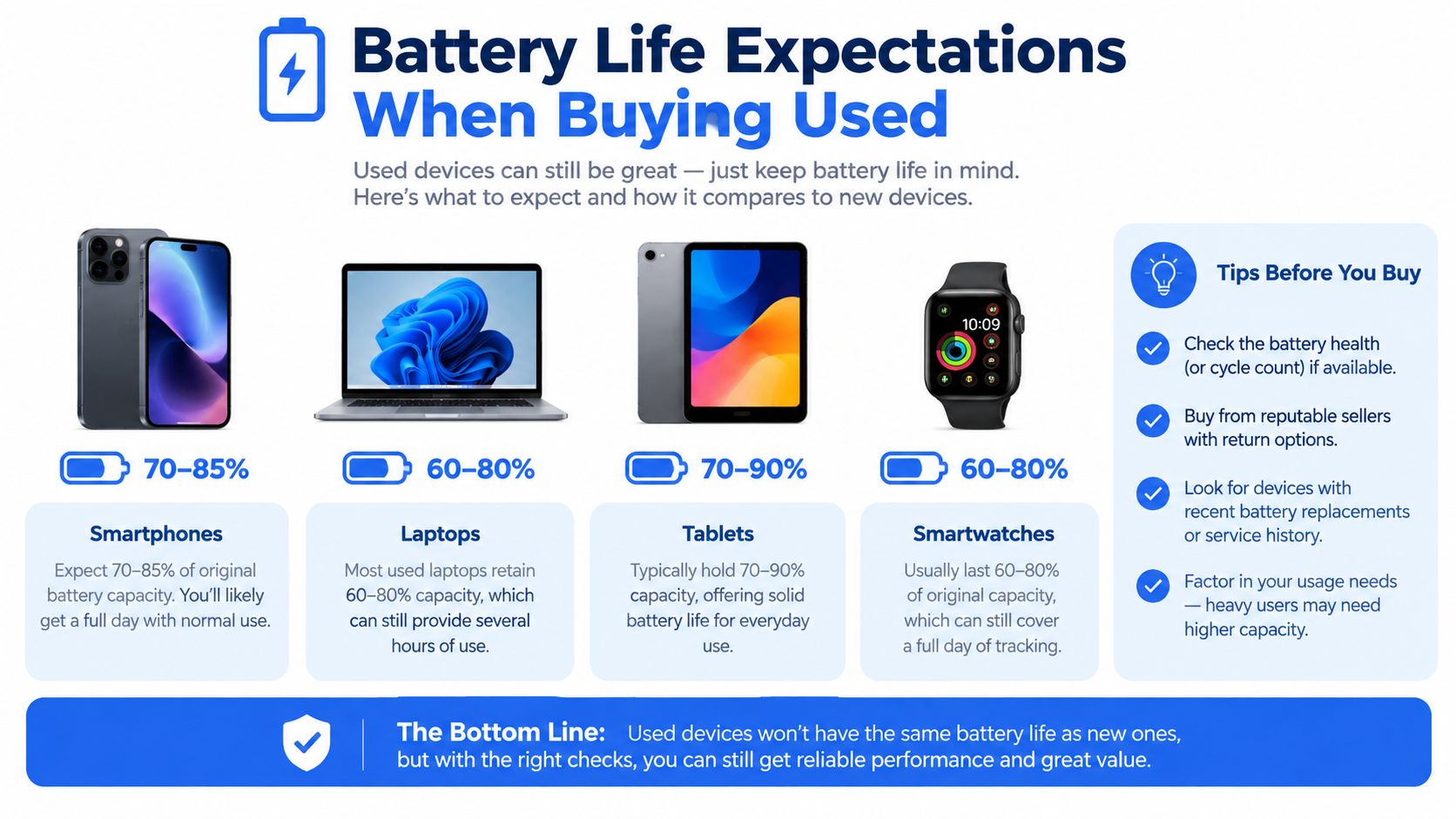
Battery condition is the part of the M1 buying decision that deserves the most attention. Apple quotes up to 15 hours of wireless web use and up to 18 hours of Apple TV app movie playback, using a built-in 49.9-watt-hour lithium-polymer battery (Apple UK technical specifications). Those are useful reference figures for a new machine under controlled conditions, not a promise for a used laptop.
Independent PCMag testing recorded 29 hours and 1 minute in a controlled rundown test, which is considerably beyond Apple's quoted figures (PCMag UK testing). That result shows how efficient the design can be, but it shouldn't be used to judge a second-hand unit. Screen brightness, browser tabs, video calls, external displays and battery condition all change the experience.
Apple silicon batteries are generally designed to retain 80% capacity at 1,000 charge cycles, which usually corresponds to about 4 to 5 years of typical use (UK refurbished MacBook buying guidance). A heavily used laptop may reach that condition earlier, while a lightly used one may remain more comfortable for longer.
A fresh battery: Gives you flexibility for commuting, lectures and working away from a socket.
A worn battery: Can still power the laptop, but frequent charging makes it feel less portable and may expose problems during video calls or sustained work.
Recent UK refurb commentary puts mixed-use battery life at around 12 to 15 hours, with much less available under sustained load (UK refurbished MacBook buying guide). That's why a battery report is more useful than a seller merely stating that the MacBook turns on. For a second-hand buyer, the practical question is whether the battery will remain useful through the laptop's realistic software-support window.
Our Experience Refurbishing This Model at Used Mobiles 4U
One thing we regularly notice with used MacBook Air M1 stock is that the processor is rarely the first concern. The battery, keyboard and physical condition tell us much more about how hard the laptop has worked.
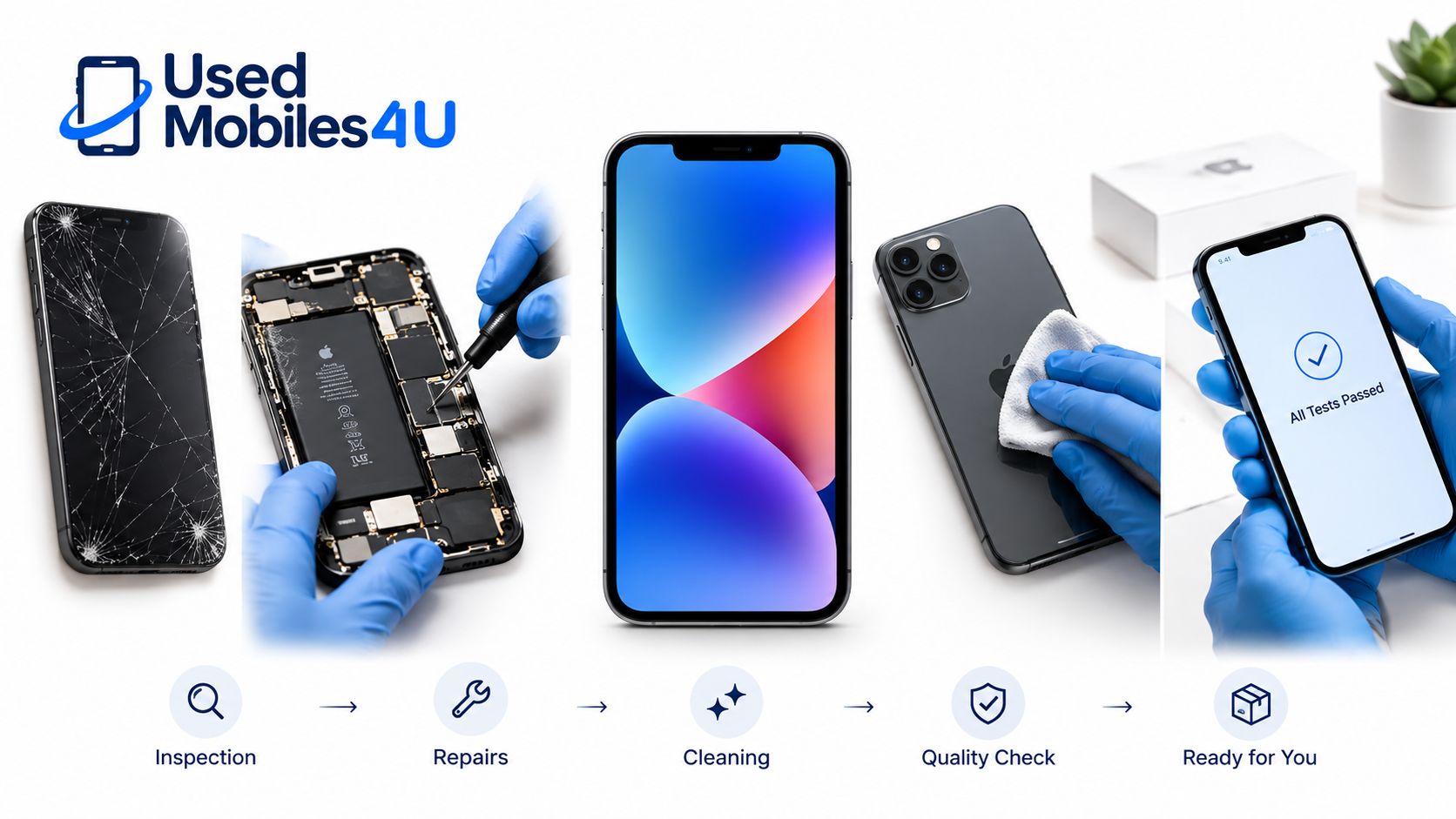
Our technicians check battery health, charging behaviour, sleep and wake functions, keyboard response, trackpad movement, display quality, wireless connectivity, speakers, microphone and every available port. They also look for signs of heavy use, such as polished keycaps, dents around the corners, pressure marks on the display or debris around the hinge and vents.
The Air is fanless, which reduces one common mechanical failure point, but it doesn't make the machine immune to wear. Worn batteries, sticky keys and cracked screens are faults we treat seriously. A battery replacement can make sense when the rest of the laptop is clean and reliable. A damaged screen combined with poor battery health may make replacement stock the more sensible route.
What grade differences really mean
A higher cosmetic grade usually means fewer visible marks, not a faster processor. A lower grade can still be a good purchase if the screen, keyboard and battery meet the required standard, but buyers should expect more signs of previous use.
We clean the exterior and internal areas where appropriate, test the machine, securely wipe previous user data and retest any device that has needed attention. Details of the wider refurbishment process matter because a laptop can look excellent while still having a weak battery or unreliable charging connection.
A common example we see is a student or home worker choosing a cosmetically marked Air with a properly tested battery over a cleaner-looking private-sale machine with no clear history. That is usually the better trade-off.
What Buyers Usually Ask Us About Used MacBooks
- Will the M1 still receive software updates? Independent UK coverage says the M1 Air runs the current macOS and is confirmed for macOS 27 ([support and software coverage discussion](https://refurblaptops.uk/2026/07/02/refurbished-macbook-uk-m1-vs-m2-vs-m3-buying-guide-2026/)). Support is encouraging, but battery condition still decides how useful the laptop feels day to day.
- Can it handle modern productivity work? Yes, it remains well suited to browser work, documents, email, video calls and media. It becomes less attractive for workloads that keep the processor or graphics system busy for long periods.
- How can I spot poor servicing? Ask for clear grading, battery information, testing details and confirmation that the machine has been data-wiped. Be cautious if the seller avoids questions about previous accounts, charging, keyboard faults or returns.
- Is a battery replacement automatically worthwhile? Not always. It makes sense when the screen, keyboard, ports and casing are in good condition. If several major parts need attention, a replacement laptop is usually easier to justify.
- What separates professional stock from a risky private sale? Look for tested functionality, SIM-free or unlocked status where relevant to phones, clear condition descriptions, warranty cover, returns and UK support. These points reduce uncertainty when something goes wrong.
You can also use the Used Mobiles 4 U FAQs to check practical questions before ordering. The same buying discipline applies to a MacBook as it does to a refurbished iPhone. Don't judge only by appearance or the lowest advertised price.
When the MacBook Air M1 Is a Smart Buy and When to Look Elsewhere
By 2026, UK listings still presented the M1 Air as a strong value option. One UK pricing source showed offers from £829.99 to £1,050.00, while another listing rated it 4.8 out of 5 from 4,359 owners and continued to describe it as a top everyday-use choice (UK everyday Mac recommendations). Prices and availability vary by condition, storage and seller, so treat those figures as market context rather than a fixed refurbished price.
- Choose the MacBook Air M1 if: You need a quiet laptop for study, home working, browsing, documents, video calls and streaming.
- Choose the MacBook Air M1 if: You want Apple software support on a lower-cost Apple silicon machine and can verify the battery before purchase.
- Choose the MacBook Air M1 if: Portability matters and you prefer a fanless design with a 13.3-inch Retina display.

- Look elsewhere if: Your work depends on demanding native Windows applications and you haven’t confirmed compatibility or a suitable alternative workflow.
- Look elsewhere if: You need very large local storage and don’t want to rely on external drives or cloud storage.
- Look elsewhere if: You regularly perform sustained heavy GPU work, where a newer or higher-tier machine may save time.
The recommendation is straightforward. Buy the M1 Air for ordinary work when the battery is healthy and the seller stands behind the device. Don't buy it just because the chip has a good reputation.
What to Check Before Buying a Refurbished MacBook Air
- Check battery health first. Ask for the current condition rather than relying on the original Apple figures. A seller should explain whether the battery is within its expected service life.
- Confirm macOS compatibility. Check the model year and the update position before paying. Apple identifies the MacBook Air M1 as a **2020** Apple silicon Mac ([Apple Mac identification and support information](https://support.apple.com/en-us/docs/mac/300267)).
- Test the keyboard and trackpad. Try every key, scrolling gesture and click. Sticky keys are more than a cosmetic nuisance if you use the laptop for writing or study.
- Inspect the display and casing. Look for cracks, pressure marks, bright spots, deep dents and hinge movement. Grading should explain cosmetic wear clearly.
- Test charging and connectivity. Confirm that the charger connects reliably, Wi-Fi stays connected and accessories work through the available ports.
- Ask about data wiping and returns. The Mac should start without another person’s account, activation details or files. Read the warranty and returns information before ordering.
For commuting or college use, protection is sensible once you have bought the machine. Buyers looking for a neat protective option can find premium felt MacBook sleeves sized for the Air.
The MacBook Air M1 chip remains worth buying when the unit has a healthy battery, clean software setup and credible testing behind it. It suits students, home workers and everyday users, but demanding professionals and buyers facing several physical faults should choose a newer or better-matched machine instead.
Written by James Waterston, 24 years in the mobile phone industry from customer service through to Sales Director of a global repair and recycling company. Now running Used Mobiles 4U for over 8 years.
LinkedIn: James Waterston on LinkedIn
Meta description: Is the MacBook Air M1 chip still worth buying refurbished in the UK? Check battery health, software support, testing and everyday value before you buy.
Used Mobiles 4 U offers professionally tested, data-wiped and clearly graded refurbished MacBooks and phones with UK support, warranty and returns. Visit Used Mobiles 4 U to check current M1 MacBook Air stock and find a practical replacement.
Looking for a refurbished phone?
Shop professionally tested refurbished iPhones and Samsung phones with 18 month warranty, 30 day returns and free UK delivery.
Browse Refurbished Phones



