





How to Sell My Mac: A Practical UK Guide

27/09/2026

8 Mins
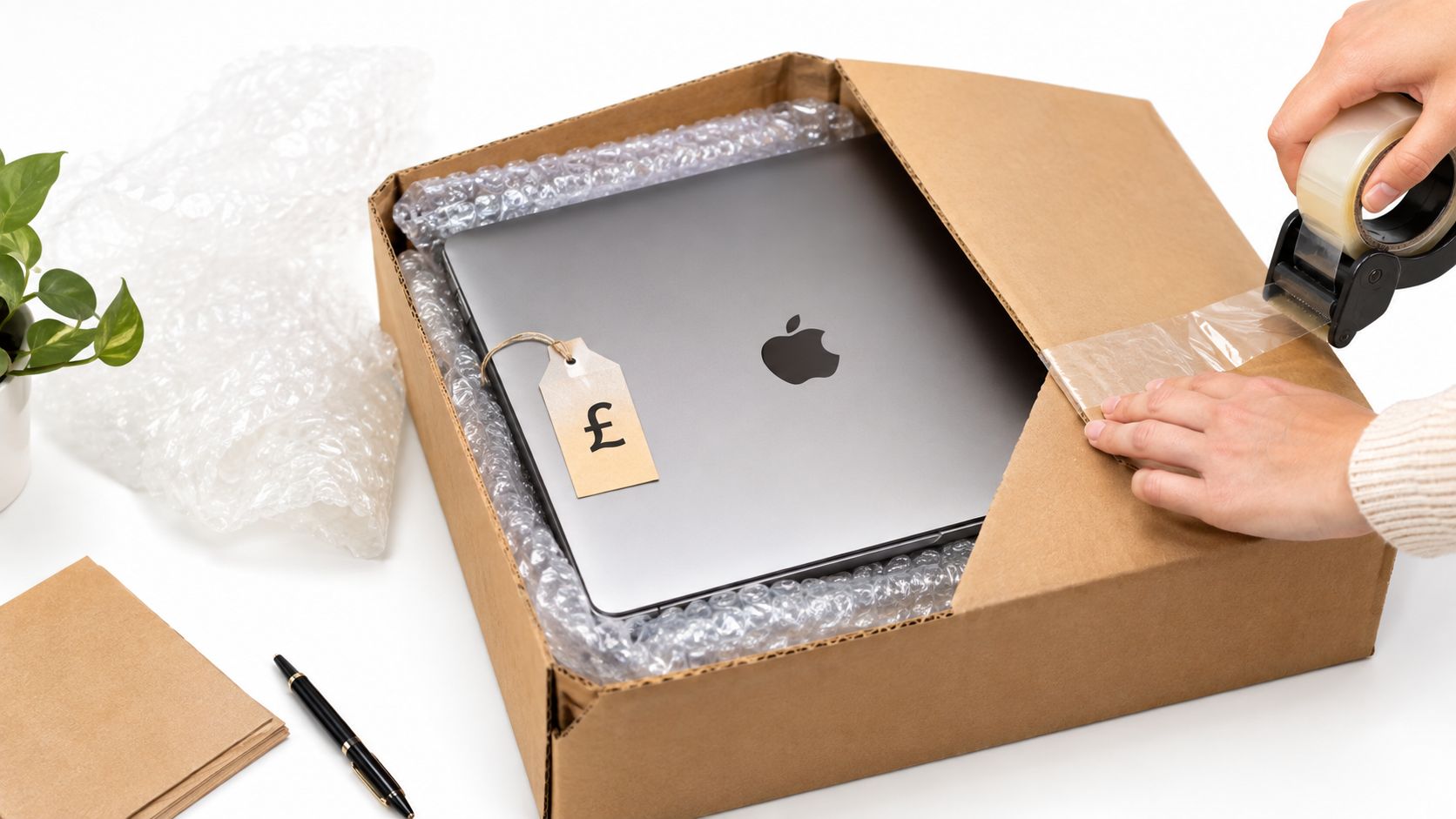
You've just decided to sell your Mac, and the next question is usually the same one, how do you do it without losing money to a bad quote or a rejected handover? The safest route is simple, back it up, sign out properly, check the condition carefully, then compare a manufacturer trade-in with a specialist buyback offer.
Meta description: Sell my Mac the right way in the UK with practical steps on backup, wiping, grading, trade-in comparisons, and avoiding quote slippage.
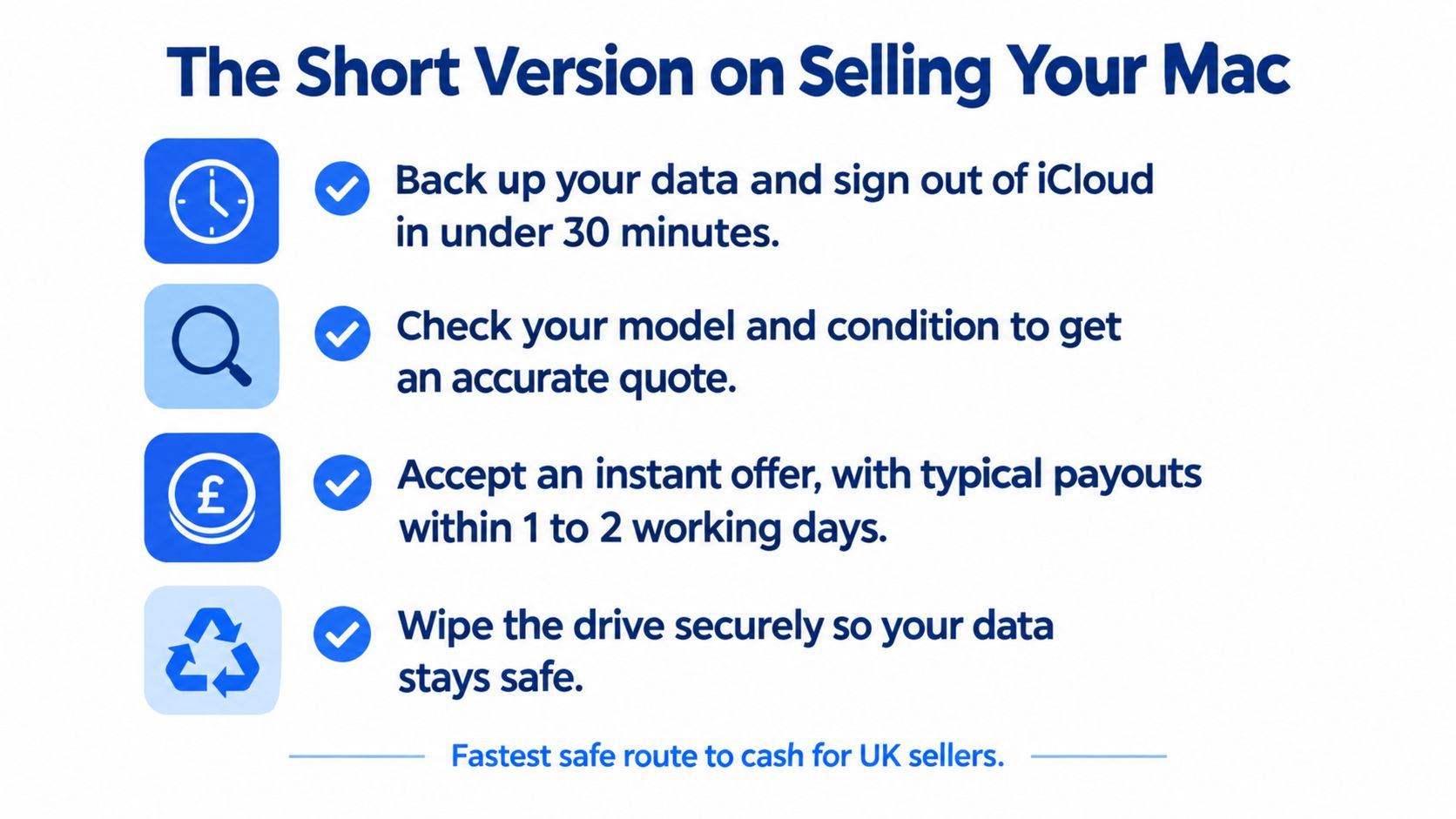
The Short Version on Selling Your Mac
If your Mac is sitting on your desk and you want cash rather than a long messaging chain, start with the basics before you ask anyone for a quote. A rushed sale usually goes wrong because the seller skips backup, leaves Activation Lock in place, or underestimates cosmetic wear.
Quick answer: back it up, sign out of Apple services, document the condition, then compare offers. Apple’s UK trade-in page gives you a mainstream price baseline, with Mac estimates ranging from £45 to £1,375 depending on model and condition, so you’ve got a sensible reference point before you accept the first offer you see. [Apple’s UK trade-in page](https://www.apple.com/uk/shop/trade-in) is worth checking if you want a fast starting quote.
- Back up first: Use Time Machine or another full backup method before touching the storage.
- Sign out of accounts: Apple ID, iCloud, iMessage, and Find My all need to be disconnected.
- Check the real condition: Battery, screen, keyboard, ports, casing, and charger all affect the final quote.
- Compare routes: Apple trade-in, specialist buyback, or private sale each suits a different type of seller.
That order matters because a quote is only useful if the device is actually accepted at the end of the process. Once you’ve handled the data and account side, you can sell with a lot less friction and a lot less risk.
How to Back Up and Wipe Your Mac Securely
The most common mistake is thinking a reset button is the whole job. It isn’t. A proper handover starts with your files, then moves to Apple services, then finishes with a secure wipe so the next owner can’t get into your private data.
Back Up Before You Touch Anything
Use Time Machine if you want the simplest full-device backup path, or copy the files you actually need to an external drive and cloud storage if the Mac is already unstable. If you still browse a lot on the machine, it’s also worth tightening browser privacy settings before you transfer anything, and [Digital Footprint Check’s guide to master browser privacy controls](https://www.digitalfootprintcheck.com/browser-privacy-settings) is a useful reference for that cleanup.
Don’t skip the boring parts. Old downloads, browser logins, saved Wi-Fi passwords, notes, photos, and work documents can all linger in places people forget to check.
Practical rule: if you wouldn’t want a stranger scrolling through it, back it up, then remove it properly, don’t just close the lid and hope for the best.
Sign Out the Right Way
Go to System Settings, then remove the Mac from your Apple ID, iCloud, iMessage, and Find My. That step matters because a buyer or trade-in service can reject the machine if it’s still linked to your account. If you’re wiping another device at the same time, our internal guide on [how we wipe data before trading in a phone](https://usedmobiles4u.com/trading-your-old-phone-in-how-to-wipe-your-data/) follows the same no-shortcuts principle.
Apple also notes that UK trade-in value can depend on the country or region where the device was originally sold, so imported Macs can get a different offer from a UK market machine. That’s one of those details sellers miss until the quote comes back lower than expected.
Wipe It After the Sign-Outs
Once the account links are broken, use the Mac’s erase tools to remove the contents and settings. The UK National Cyber Security Centre says the built-in “Erase all Content and Settings” or a factory reset is the best way to make sure personal data is fully removed before resale. [NCSC guidance on second-hand devices](https://www.ncsc.gov.uk/guidance/buying-selling-second-hand-devices) is the right place to check if you want the official data-safety angle.
A clean wipe protects you, but the sign-out steps protect the buyer. Skip either one and you risk a rejected deal or a support headache later.
Grading Your Device to Avoid Quote Slippage
Quote slippage happens when the first offer looks fine, then drops after inspection because the condition wasn’t described accurately. In practice, this usually comes down to battery wear, screen marks, keyboard wear, dents, liquid exposure, or a Mac that boots but doesn’t perform properly once a technician opens it up.
What to Document Before You Ask for a Quote
Take clear photos of the front, back, corners, keyboard, ports, charger, and serial number. Then check the screen for scratches or delamination, look for any swelling in the base, and note whether the trackpad, keys, speakers, and charging behaviour all work as expected.
- Battery condition: Check the battery health view and note any sudden drain or shutdowns.
- Screen condition: Look for dead pixels, cracks, pressure marks, and coating wear.
- Keyboard and trackpad: Test every key, because sticky keys or missing clicks often trigger a downgrade.
- Chassis and ports: Side dents, bent USB-C ports, and loose hinges matter more than most sellers expect.
A realistic seller is usually rewarded with a cleaner inspection and a smoother payout. A vague listing often leads to a revised offer, because the buyer has to protect itself against parts replacement and labour.
Grading rule: “Good” means honest everyday use. “Poor” means the machine starts looking like it has had a rough life, even if it still powers on.
Price It Against the Condition, Not the Memory
If you want a sense of how seasoned resellers think about used-item pricing, [Ruit’s reseller pricing tips](https://ruit.es/en/blog/how-to-price-used-items-for-resale/) are a decent reminder that cosmetics, demand, and risk all change the final figure. That applies to Macs too, because two devices with the same model name can land very different offers once the battery and outer shell are inspected.
For a practical check, compare your own notes against our [refurbished iPhone grading guide](https://usedmobiles4u.com/guide-refurbished-iphone-grading/) and use the same honesty standard on the Mac. The principle is the same, describe the wear you can see, not the condition you wish it had.
Where to Sell Your Mac in the UK Market
The best route depends on whether you care more about speed, convenience, or the last bit of value. Apple gives you a clean trade-in baseline, specialist buyback services can pay more, and private selling can stretch the return further if you’re happy to deal with messages, postage, and buyer disputes.
The main thing to understand is that convenience costs money. Independent UK buyback services can pay 15% to 31% more than manufacturer trade-in programmes, although shipping and inspection timing still matter. [The Tech Loop’s Mac selling comparison](https://www.thetechloop.co.uk/blog/sell-macbook-uk) is useful here because it shows the trade-off plainly instead of pretending every route is equal.
UK Mac Selling Routes Compared
Private selling sounds attractive until you have to answer condition questions, haggle over accessories, and handle the possibility of a dispute. UK consumer law still gives buyers of second-hand goods the core right to complain if the item is faulty, not fit for purpose, or not as described, so private sellers need to be precise. [Government guidance on refunds and returns](https://www.gov.uk/accepting-returns-and-giving-refunds) is worth a read if you’re considering that route.
Where to sell laptops is the internal page to check if you want to compare your Mac with other device categories before you list it. For a quick decision, Apple is the simplest route, a specialist buyer often gives better value, and private sale only suits sellers who can tolerate the extra hassle.
A regulated buyer won’t remove all friction, but it usually removes the worst kind, the post-sale argument.
Our Experience Refurbishing This Model at Used Mobiles 4U
When a Mac lands on a refurbishment bench, the outer shell is rarely the whole story. One thing we regularly notice is that a machine can look tidy in photos and still fail on battery condition, port reliability, or thermal performance once it’s under load.
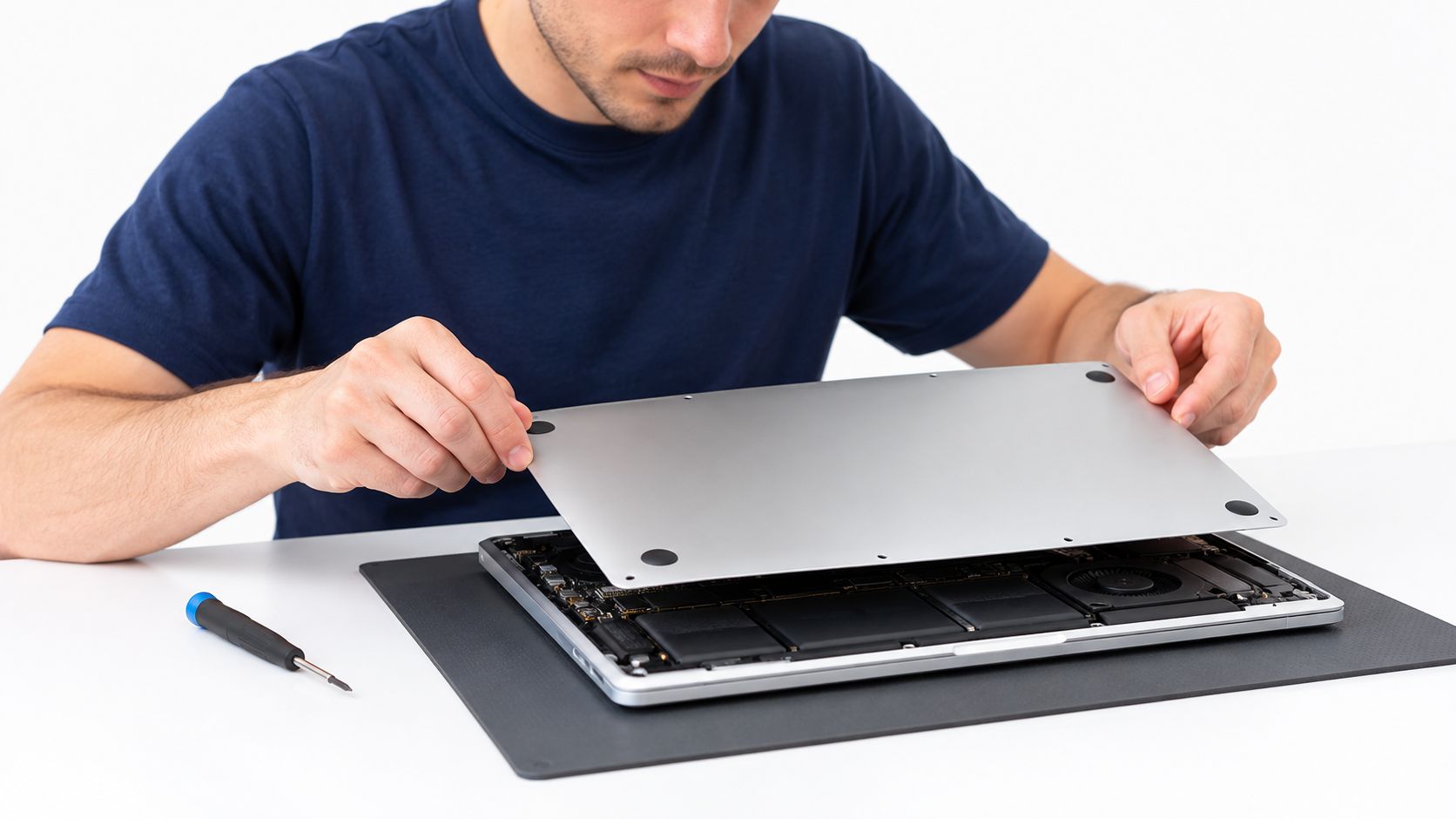
What Technicians Actually Check
Our technicians often start with the battery, because swelling, rapid drain, or a weak charge cycle can turn an otherwise decent Mac into a poor refurb candidate. We then test the display, keyboard, trackpad, Wi-Fi, ports, speakers, camera, and charging behaviour, because one weak component can drag down the whole machine.
We also look at signs of liquid exposure, repaired corners, stripped screws, and anything that suggests a previous owner opened the device without the right tools. A MacBook that passes power-on checks can still be downgraded if the fan noise spikes, the chassis runs hot, or the logic board behaves inconsistently under a proper workload.
Repair or Replace Logic
A common example we see is a MacBook that only needs a battery replacement to become resale-worthy again, while another needs parts plus labour that exceed the value of the finished unit. In those cases, replacement makes more sense than repair, especially when the casing is worn or the keyboard has already been heavily used.
That’s why honest seller notes help so much. If you say the machine has been in daily use, has a tired battery, or has a small dent on one corner, the buyer can price it properly instead of treating the inspection like a surprise test.
our refurbishment process shows the kind of structured checking that protects both sides of the sale. The broad lesson is simple, a Mac doesn’t need to be perfect, but it does need to be described accurately.
Final Verdict and Next Steps for UK Sellers
If you want the quickest clean sale, use a trade-in route and accept that convenience usually costs something. If you want the stronger payout, compare at least one manufacturer offer with one specialist UK buyback quote, then weigh that against postage, inspection, and payout timing.
For most sellers, the winning move is preparation, not negotiation. Back up the Mac, sign out of Apple services, wipe it properly, photograph the condition honestly, and keep your documentation in case the final inspection questions anything.
Choose Apple Trade In if you want the simplest handover and don’t mind a lower baseline. Choose a specialist buyer if your Mac is in decent shape and you want a better return, especially on newer machines where the gap can be meaningful. Avoid private sale if you don’t want to deal with buyer messages, possible disputes, or the chance of a return request after the handover.
If the machine has account-lock issues, imported-region quirks, or obvious hardware faults, be realistic and price that risk in from the start. That’s usually the difference between a smooth sale and one that drags on for days.
Written by James Waterston, 24 years in the mobile phone industry from customer service through to Sales Director of a global repair and recycling company. Now running Used Mobiles 4 U for over 8 years. LinkedIn
If you’re selling a Mac to fund your next device, Used Mobiles 4 U can help you compare the value of your old tech against tested, SIM-free replacements. Visit Used Mobiles 4 U to browse refurbished smartphones and laptops, or to explore a practical trade-in route with UK support.
Looking for a refurbished phone?
Shop professionally tested refurbished iPhones and Samsung phones with 18 month warranty, 30 day returns and free UK delivery.
Browse Refurbished Phones



