





Why Your iPhone Overheats While Charging

09/09/2026

5 Mins

A warm iPhone during charging is common. However, iPhone overheating charging becomes a concern when the handset is uncomfortable to hold, slows down, pauses charging, or displays a temperature warning.
Most cases come down to heat in the room, demanding apps, trapped warmth, or a poor charging connection. Start by cooling the phone safely, then look for a pattern.
The Short Version
- Stop gaming, streaming, navigation and video calls while the iPhone is charging.
- Move it off soft furnishings, away from sunlight, and remove a thick case if it feels hot.
- Use an undamaged, original-quality setup, such as apple-certified chargers or an mfi-certified cable and adapter.
- If you see “Charging On Hold” or a temperature warning, let the iPhone cool before trying again.
- Repeated heat alongside fast battery drain or charging drop-outs needs a battery and port check.
iPhone overheating charging: common causes
Heavy use adds heat faster than it can escape
Charging already produces some warmth because energy is moving into the battery. Opening a graphically demanding game, using sat nav, recording video, or streaming adds processor load, heat and power consumption.
The display, mobile signal and background app refresh can raise heat too. Software updates can also create temporary background activity, so check for them once the phone has cooled. We recommend leaving the screen locked while charging, particularly if the handset has already been warm through normal use.
Warm rooms, sunlight and cases trap heat
Apple Support’s guidance on hot and cold iPhone conditions gives 0°C to 35°C as the normal operating temperature. This operating range isn’t a universal guarantee, especially when ambient temperature is high. The guidance also warns against leaving a device in direct sunlight or a hot car.
A thick case, duvet, sofa cushion or bag can trap heat against the handset. Charging on a hard, open surface generally allows better heat dissipation, helping the handset release warmth. Avoid charging beside a radiator or on a sunny windowsill.
How to cool an overheating iPhone: Quick Steps
- Disconnect the charging cable if the phone is extremely hot, displays a warning, or repeatedly pauses charging.
- Lock the screen and stop processor-intensive apps, including games, streaming and navigation.
- Take off the case if it is thick, rubberised or warm to the touch.
- Move the iPhone to a shaded, well-ventilated room away from direct sunlight.
- Let it return to room temperature naturally.
- Reconnect it with a known-good charging cable and adapter, then leave it untouched for several minutes. Once charging is stable and the phone has cooled, check for software updates if the issue returns.
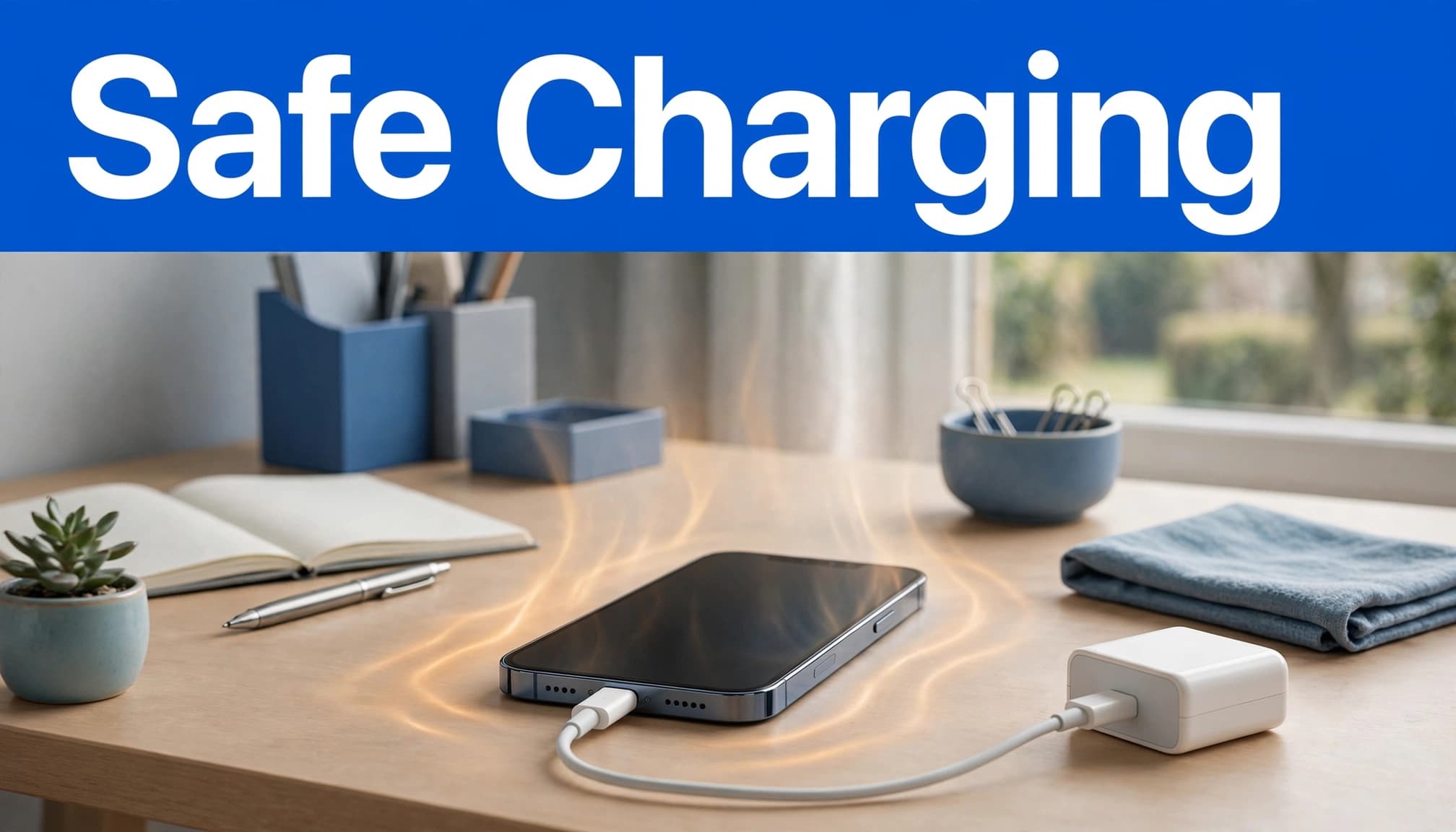
If iOS shows a temperature warning, Apple Support advises moving the handset somewhere cooler and putting it to sleep. A Charging On Hold notification means the iPhone has paused charging because conditions have moved outside its suitable operating range. Let the protection do its job rather than repeatedly unplugging and reconnecting it.
Apple does not publish a precise internal temperature at which charging stops. The warning or charging pause is the useful sign that the iPhone needs time to cool.
What We See on the Bench at Used Mobiles 4U
One thing we regularly notice is that a clean-looking iPhone can still have a tired battery or an inconsistent charging port. Cosmetic grade tells you about marks and scuffs, but it doesn’t confirm that the battery, connector, microphones or other internal components are healthy.
A common example we see is a phone that charges only when the cable sits at one angle. Packed pocket lint can stop a plug seating fully, although worn contacts may point to hardware issues that cleaning alone won’t resolve. We test charging with more than one known-good cable and adapter before deciding whether the fault lies with the accessory, port or battery.
When buying second-hand, check charging early in the return period. Test the cameras, speakers, microphone, Face ID or Touch ID, signal and wired charging. A phone can look spotless yet still reveal an intermittent fault under normal use.
Check the charger and battery condition
Inspect the cable, adapter and charging port
Do not use a cable with split insulation, exposed wiring, bent connectors or a loose plug. Apple advises against damaged charging accessories, so use the original charger and cable where possible, or reputable Apple-certified chargers. Lightning cables should carry the MFi certification badge.
Try another known-good charging cable and adapter before blaming the iPhone. If charging remains unstable, look into the port with a torch while the phone is switched off. Visible lint may explain a loose connection, but do not force metal tools into the port.
Check battery health before booking a repair
Go to Settings > Battery > Battery Health & Charging to review battery health and read Maximum Capacity. Also check for a battery service message. Review software updates, background app refresh and battery efficiency alongside daily behaviour, not only the percentage.
Apple Support says batteries age chemically, and a “significantly degraded” message is a reason to consider service. Its battery and performance guidance explains that 80% capacity is a design benchmark under ideal conditions, not an automatic replacement rule.
Persistent overheating, unexpected shutdowns and rapid draining can mean it is time to repair or replace an old iPhone. A battery replacement may make sense when the rest of the handset remains reliable. It won’t necessarily resolve every charging-temperature issue. A bent frame, liquid damage, weak battery and faulty port together usually make replacement the better value.
Wireless charging and fast charging
Wireless charging can make an iPhone feel warmer because power moves less directly than through a cable. Fast charging may also add warmth, especially when heavy use increases power consumption. Warmth alone isn’t unsafe. If the phone is outside its operating range, stop charging and let it cool, then check Apple Support for guidance.
Alignment, case thickness and contact with the pad can affect heat dissipation. Remove thick cases, keep the rear glass clean, and place the phone flat on the pad. If it repeatedly gets hot or disconnects, test wired charging too. A damaged rear panel, bent frame or worn battery can affect the result.
Frequently asked questions
Is it safe to game while charging?
Occasional light use is usually fine. Gaming, streaming and navigation while charging create extra heat, and background app refresh can add activity. Pause demanding use if the iPhone becomes hot or charging slows.
When should you seek help?
Arrange a check if a temperature warning keeps returning in a cool room. Seek help too if charging pauses or the iPhone becomes unstable with different chargers. These signs justify a check, not an immediate diagnosis. Apple Support can suggest sensible next steps. Once the phone is cool and stable, check for software updates. Back up your iPhone before any repair work.
A sensible next move
Most charging heat improves once you remove the extra load and let the iPhone cool in open air. An ageing battery can affect everyday charging behaviour and reduce battery efficiency. Repeated overheating deserves attention because high temperatures can shorten battery life.
If several faults are appearing together, a tested replacement may be the simpler choice. You can Browse Refurbished iPhones or Sell Your Old Phone to put its remaining value towards a replacement.
Written by James Waterston, 24 years in the mobile phone industry from customer service through to Sales Director of a global repair and recycling company. Now running Used Mobiles 4U for over 8 years.
LinkedIn: James Waterston
Looking for a refurbished phone?
Shop professionally tested refurbished iPhones and Samsung phones with 18 month warranty, 30 day returns and free UK delivery.
Browse Refurbished Phones



