


Why Won’t My iPhone Send SMS or MMS Messages?

25/11/2026

4 Mins
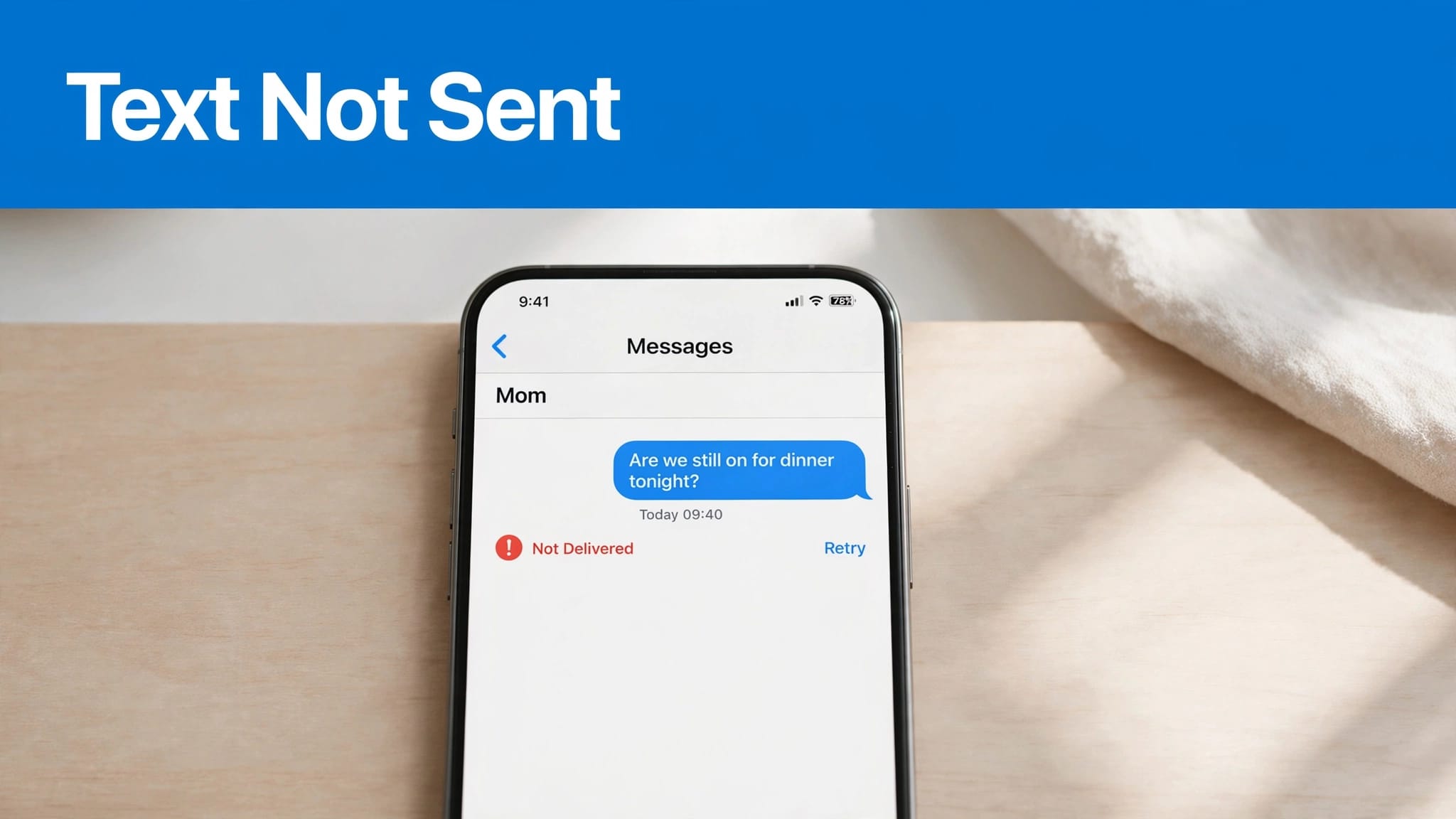
Weak signal in your coverage area, messaging settings or network activation can cause problems with sending SMS messages on an iPhone. An oversized photo attachment can also fail to send as an MMS.
Check your network connection, then use the connection and retry options to see whether the fault affects everyone or just one contact.
The Short Version
- Tap the red exclamation point beside Not Delivered, then choose Try Again.
- If that fails, choose Send as Text Message. Messaging rates may apply.
- If your iOS version labels the fallback control “Reply as Text Message”, enable it in Messages settings.
- Test a plain text before troubleshooting photos or group conversations.
How to Get iPhone Texts Sending: Quick Steps
Start with these checks, which follow Apple’s message troubleshooting guidance.
- Check your network connection. SMS normally needs a cellular network connection. Being outside the coverage area can stop ordinary messages from sending. Turn Airplane Mode on briefly, then off. If SOS remains, follow our iPhone no-signal checks.
- Retry the message. Tap the red exclamation point, then Try Again. If it still fails, tap the exclamation point again and choose Send as Text Message where offered. Messaging rates may apply.
- Restart your iPhone. Power it off, then switch it back on to clear temporary software or connection glitches.
- Enable automatic SMS fallback. Open Settings > Apps > Messages and turn on Send as Text Message, or Reply as Text Message if that label appears.
- Check your sending identity. Open Settings > Apps > Messages > Send & Receive and select your phone number, not an Apple Account email address. Toggle iMessage off and on, then revisit Send & Receive to check the selection. Confirm your phone number is still selected, rather than your Apple Account email.
- Try Wi-Fi Calling where supported. Under Settings > Mobile Service, select your line if necessary, then Wi-Fi Calling. This can let SMS travel over Wi-Fi when mobile coverage is poor.
- Update the software. Open Settings > General > Software Update. Then visit Settings > General > About and accept any offered network provider settings update.
Understand Blue and Green Messages
Blue Bubbles Mean iMessage
iMessage sends messages between Apple devices over Wi-Fi or mobile data. Therefore, a working Wi-Fi connection can let blue messages send even when ordinary texts cannot.
Under Apple’s iMessage explanation, this is a separate service within Messages. A red exclamation point means that sending attempt failed; it doesn’t identify the cause.
Green Bubbles Can Mean Three Different Services
SMS carries ordinary text, whilst MMS handles photos and some group messages. RCS adds features such as higher-quality media and delivery receipts on supported networks.
All three appear green and require a suitable text-messaging plan. RCS also needs internet access. Look at the wording in the message-entry field to identify the service; colour alone isn’t enough.
Narrow Down Photos, Groups and Contact Problems
When Texts Send but Photos Fail
Open Settings > Apps > Messages and enable MMS Messaging if available. Also turn on mobile data under Settings > Mobile Service.
Networks impose MMS attachment limits. Your iPhone can compress media, but a large video may still fail. Under Messages settings, try Send Photo Previews or Low Quality Image Mode where offered, then resend a smaller attachment.
For a failing group message, send a separate message to each person. Missing MMS options can mean your network doesn’t support that feature.
When Only One Person Misses Messages
Start a new conversation and enter the number manually. UK mobile numbers normally contain 11 digits; US numbers commonly have 10.
For international numbers, check the country code before resending. Hold 0 until + appears, then enter the country code and number. For UK numbers, use the +44 country code and omit the first 0.
If nothing arrives despite no error, ask the recipient to inspect blocked contacts and spam filters. Their phone being offline is another possibility. If calls also go straight to voicemail, our calls and voicemail checks cover related settings. Neither symptom proves blocking.
What We Check Before Resale
Our technicians test mobile signal, calls, texts and SIM recognition before resale. Cosmetic condition doesn’t establish whether those functions work.
We recommend testing your SIM in another compatible phone. If the fault follows it, contact your carrier about activation, account restrictions or SMS/MMS provisioning. If multiple working SIMs fail only in your iPhone, arrange handset diagnosis.
For a recently purchased used iPhone, Settings > General > About > Network Provider Lock should show “No SIM restrictions” when unlocked. A missing-SIM warning needs separate SIM and eSIM troubleshooting.
Before any reset or repair, back up through Settings > your name > iCloud > iCloud Backup. Contact your seller before authorising third-party repairs.
Frequently Asked Questions
Does SMS Need Activating Separately?
An active SIM or eSIM and a text-enabled plan normally provide SMS. There isn’t a universal SMS activation switch. If Messages settings shows “Reply as Text Message”, that’s a fallback control, not a separate network activation switch. If every SMS fails despite a signal, your network needs to investigate the service.
An “iMessage needs to be enabled” warning concerns iMessage instead. Enable it under Settings > Apps > Messages, or start a fresh SMS conversation.
Can Switching Phones or Networks Cause Delays?
Yes. Google Fi customers transferring a number can face a delay of up to 48 hours.
If you’ve moved away from an iPhone, deregister iMessage through Apple’s selfsolve.apple.com service. This doesn’t apply simply because you’ve switched from a non-Apple phone to an iPhone.
Fix the Messaging Fault Before Replacing the Phone
An iPhone not sending SMS doesn’t automatically need repair or replacement. We recommend exhausting the network and settings checks before paying for hardware work.
Contact your network when ordinary SMS fails across several contacts. Contact Apple when iMessage alone remains faulty after these checks. For a refurbished phone with wider connectivity problems, contact your seller with the symptoms and steps you’ve tried.
Looking for a refurbished phone?
Shop professionally tested refurbished iPhones and Samsung phones with 18 month warranty, 30 day returns and free UK delivery.
Browse Refurbished Phones