


Phone Speaker Sounds Muffled? Safe Fixes That Work

24/11/2026

8 Mins

A muffled speaker doesn’t automatically mean your phone needs replacing. If your phone speaker sounds muffled, dust, trapped moisture or an audio setting can be responsible, and Samsung’s speaker troubleshooting guidance identifies blocked or wet speakers as causes worth checking before arranging service.
The Short Version
- Cleaning or drying fixes it. An obstructed grille or trapped moisture can dull speech without the speaker itself having failed.
- A setting or update fixes it. Bluetooth routing, audio balance and app behaviour can make a working phone seem faulty.
- The fault persists. Arrange an assessment rather than repeatedly brushing the openings or playing louder test tones.
We’d start with the reversible checks, not a repair quote. Remove anything covering the openings, isolate the audio route and compare recorded speech with calls. A muffled speaker following a drop, spill or charging problem deserves attention earlier than a gradual reduction in volume.
If media, calls and headphones all sound dull after those checks, the phone needs a broader assessment. That doesn’t prove the loudspeaker has failed, because headphones bypass it. Software, the recording itself or another part of the audio system may be involved.
Practical rule. Check what changes the sound before deciding which part needs replacing.
Follow the numbered checks in order. They put safety and settings ahead of cleaning, reducing the risk of damaging a phone that only needed drying or a different audio route.
How to Check a Muffled Speaker, Quick Steps
Safety comes first. If the phone has been wet, disconnect cables, switch it off and place it speaker-side down on a lint-free cloth. Don’t charge it while moisture may remain, and stop testing if it becomes unusually hot or develops a charging fault.
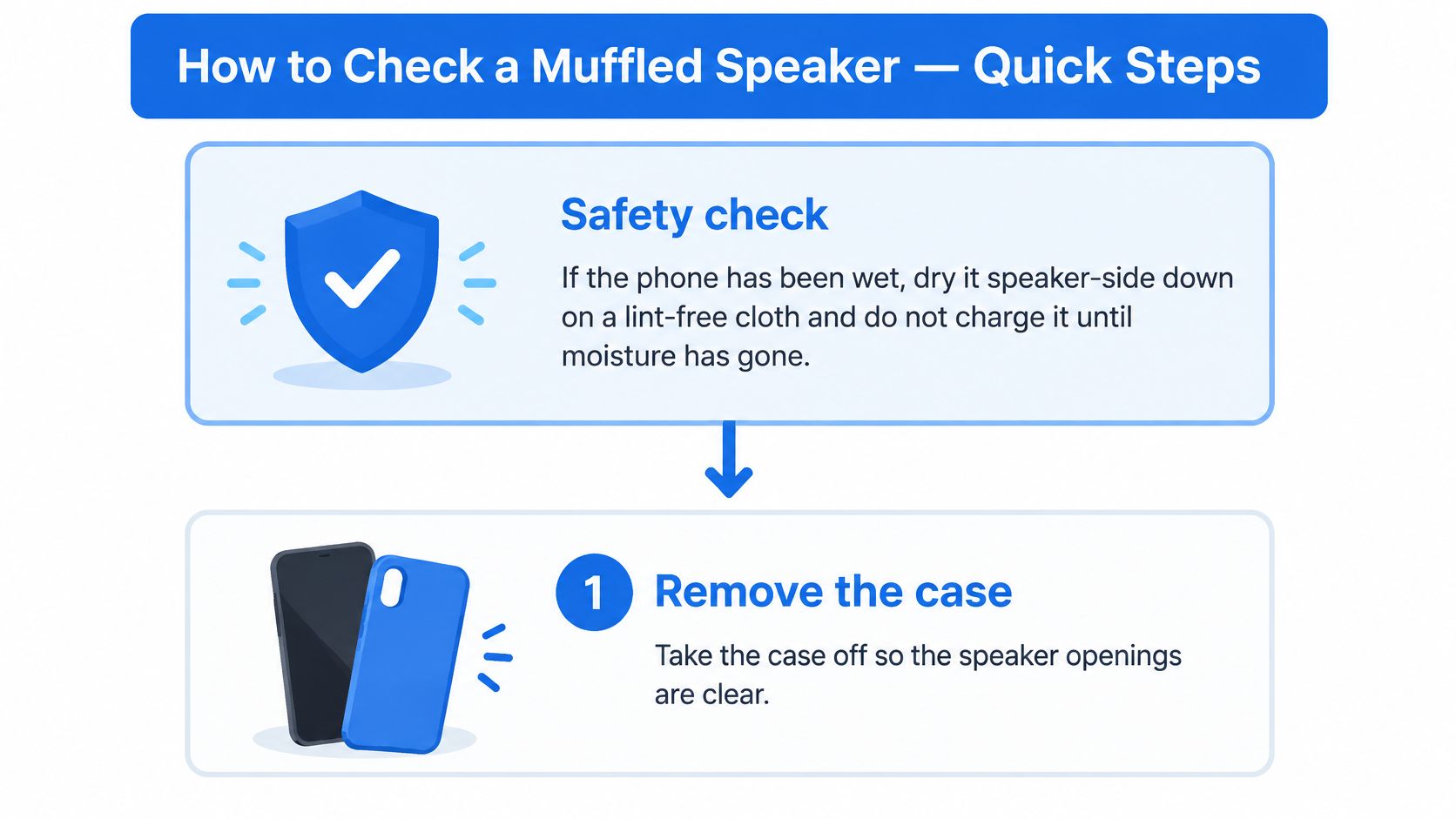
Work through the checks in order
- Remove the case and attachments. Take off the case and disconnect headphones or adaptors. Check whether protective film or a screen protector covers the top earpiece. Remove a misplaced protector rather than trying to cut it while it’s attached to the screen.
- Switch Bluetooth off. Open Settings > Bluetooth and disable it temporarily. On Samsung, Bluetooth is normally under Settings > Connections > Bluetooth. This prevents a car, earbuds or another paired device taking the audio while you test the handset.
- Check volume and accessibility settings. Adjust media volume while a clip is playing and call volume during a call. On Samsung, check Settings > Sounds and vibration, then Settings > Accessibility > Hearing enhancements for balance and mono audio. On iPhone, use Settings > Accessibility > Audio/Visual. Centre the balance for testing, and check mute and Do Not Disturb if alerts are missing. Menu wording can differ between software versions.
- Inspect both openings. Use a torch to examine the top receiver and bottom speaker grille. Look for lint, surface dirt, displaced mesh or damage around the opening. Don’t assume every hole along the bottom edge is a speaker, as microphone openings can sit nearby.
- Clean gently, only if the phone is dry. Switch it off and unplug cables first. Sweep across the opening with a small, clean, dry, soft-bristled brush, then lift loosened debris with a microfibre cloth. Apple’s cleaning guidance supports gentle dry cleaning and warns against compressed air and moisture entering openings. If light brushing doesn’t shift the obstruction, stop.
- Back up, restart and update. Check that your Google or iCloud backup has completed before installing software. Restart, then check Settings > Software update on Samsung or Settings > General > Software Update on iPhone. Don’t connect a potentially wet phone to power just to complete an update.
- Compare several sound sources. Play familiar speech, a music clip and a video at a comfortable volume. Make a normal call, switch to speakerphone, then repeat suitable playback through known-working headphones. Try another app so one poor recording doesn’t determine the result.
- Record the pattern. Note which output sounds dull, whether it changes with volume and whether it affects every app. If calls alone are affected, try another location or Wi-Fi calling where available. Persistent problems across different routes need diagnosis, not another cleaning attempt.
Leave these tools out of the job
- No compressed air. Pressure can force contamination further into openings.
- No liquids or cleaning chemicals. Keep bleach, peroxide and sprays away from the acoustic openings.
- No needles, SIM tools or cotton buds. They can damage mesh or leave material behind.
- No forceful scrubbing. A stubborn blockage is a reason to stop, not press harder.
A factory reset isn’t a sensible first response. It erases data and won’t remove lint or repair a damaged speaker. We’d reserve it for a properly backed-up phone where diagnosis gives a specific reason to suspect software.
Matching Symptoms to Causes and Fixes
Match the sound you hear to the circumstances, then choose the least invasive next step.
After water exposure, drying comes before repair decisions. Apple’s UK water-resistance guidance explains that moisture in the speaker or charging port can affect speaker and microphone performance until it fully evaporates, and recommends placing the speaker-side down on a lint-free cloth.
Symptom, cause and next step for muffled audio
- Muffled after rain, a spill or a damp pocket. Water may remain in the speaker or charging port. Dry speaker-side down and wait before charging.
- Quiet only on speakerphone or in bursts. Lint or dust may obstruct the bottom grille, although intermittent sound needs wider checks. Brush gently, then retest media and calls.
- Muffled only through Bluetooth or one app. Suspect audio routing, the accessory or an app volume setting. Disable Bluetooth and compare another app.
- Dull only on calls. The earpiece grille or reception may be responsible. Compare speakerphone and try another location.
- Muffled on media, calls and headphones. A wider software or audio-system fault needs consideration, not just the speaker or receiver. Book a bench check and avoid repeated cleaning.
- Crackling or rattling at higher volume. A damaged speaker membrane is possible. Stop loud playback and arrange assessment.
- Muffled after an update or setting change. Check balance and mono audio, then restart before assuming hardware failure.
- Heat or charging trouble alongside muffling. Possible internal or battery damage takes priority. Stop charging and seek professional help.
If internet calls alone sound poor while local recordings are clear, BubblyPhone tips for crisper international calls offer a useful connection-focused troubleshooting route. If the other caller hears you poorly instead, our iPhone call microphone guide addresses a different part of the audio path.
Check the listener’s needs too
Compare the receiver at each ear and check balance and mono settings. If speech remains difficult to follow at a comfortable volume, don’t keep turning it up. Ofcom’s accessibility guidance highlights hearing-aid-compatible phones and specialist support from RNID; captions or text-based calling may also help.
A water-resistance rating isn’t a promise that a used phone is waterproof, especially after a drop or previous repair.
Our Experience Refurbishing This Model at Used Mobiles 4U
There isn’t one model behind this symptom. A Samsung Galaxy, Motorola or iPhone needs its own fault assessment, with the loudspeaker and earpiece considered separately rather than treating all unclear audio as the same defect.
Our hardware and connectivity testing checks the display, cameras, sound, charging and connectivity. For a muffling complaint, the useful diagnostic approach is to compare receiver and loudspeaker output at different comfortable volumes, then establish whether calls and recorded playback behave differently.
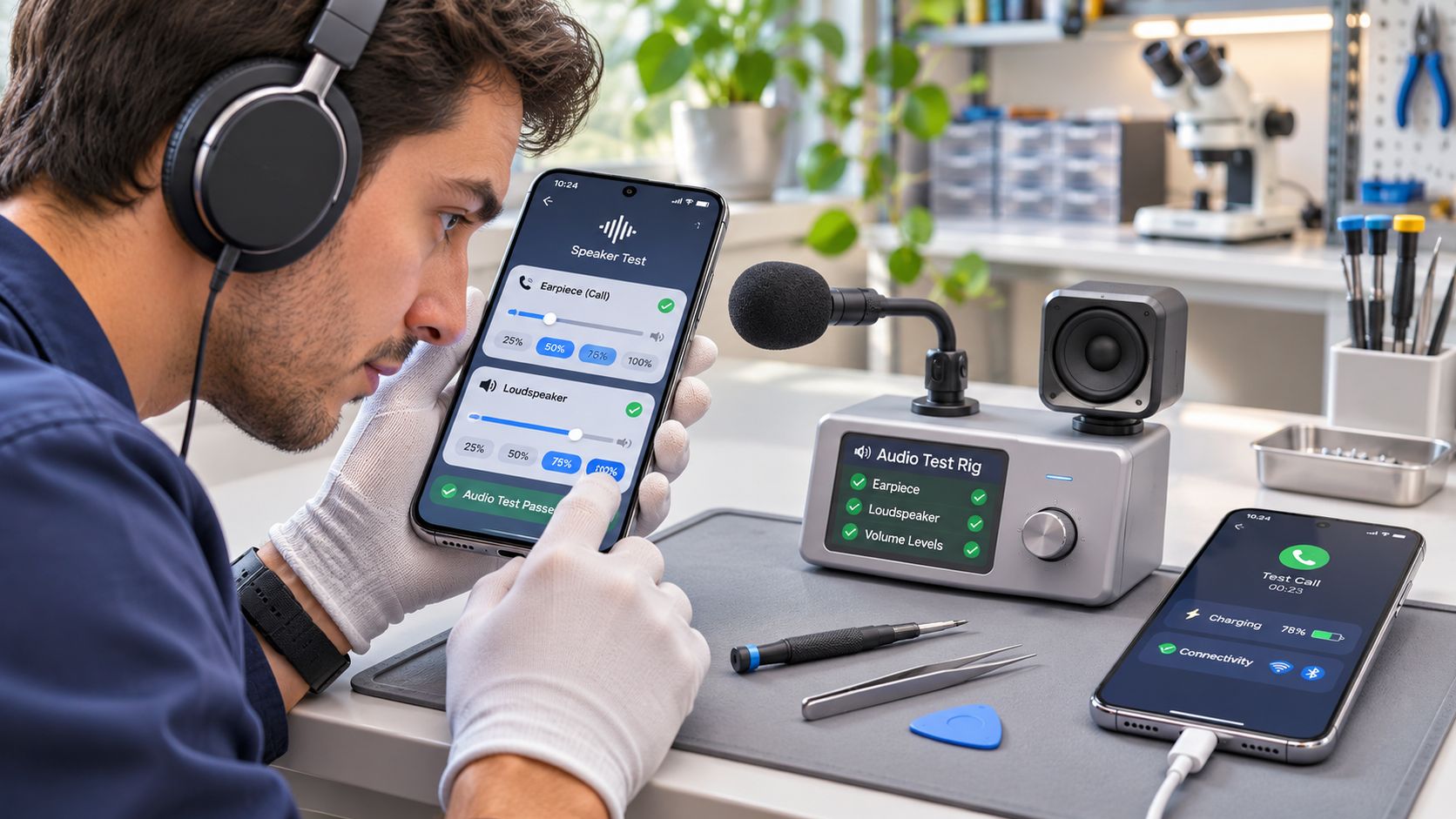
Condition isn’t the same as functionality
Our grades, Like New, Excellent, Very Good and Good, describe visible wear, not whether a phone works. A lightly marked handset doesn’t get a pass on faulty sound, while worn corners alone don’t prove an audio fault. Our refurbishment process separates functional checks from cosmetic grading.
- Signs worth investigating. Scuffed grilles, impacted lint and damaged edges help direct inspection, but they don’t establish the diagnosis by themselves.
- Possible replacement parts. An isolated failure may justify replacing the speaker or earpiece assembly. Moisture residue or corrosion calls for a wider assessment before fitting parts.
- Battery condition. A speaker repair makes more sense when the battery, charging system and other essential functions remain sound.
Consider a phone that has spent the summer loose in a bag and gradually become quieter. Surface contamination is worth checking before ordering a speaker, but a clean and retest must confirm the result. That’s a troubleshooting scenario, not a guarantee that every quiet handset only needs brushing.
We’d favour a slightly older flagship that passes its functional checks over a newer handset with unresolved sound problems.
When a device doesn’t meet our functional, battery or condition standards, it may be repaired and retested or removed from sale. A cosmetic grade is never a substitute for that decision.
What We Commonly See
Patterns worth checking
- Case fit. Narrow or misaligned cut-outs can partly obstruct an opening. Test without the case before blaming the handset.
- Audio staying connected elsewhere. A paired accessory can complicate diagnosis even when it isn’t being worn. Confirm the selected output rather than assuming sound comes from the phone.
- A knock without obvious frame damage. An apparently tidy exterior doesn’t rule out an internal problem. A change immediately after impact deserves assessment.
Questions buyers ask
- Does muffling mean it’s faulty? Not necessarily. A removable obstruction or setting can explain it, but unresolved distortion shouldn’t be accepted as normal wear.
- Will refurbished sound identical to new? We test functionality rather than promise identical output between every handset. Speaker design also differs between models, so compare speech clarity rather than expecting matching loudness.
- Is an older speaker worth fixing? Often the useful question is whether the rest of the phone still meets your needs. A working camera, dependable charging and suitable software support matter more than the launch-year specification.
What changes the decision
- An isolated fault. One confirmed failed component offers a clearer repair decision than symptoms affecting several systems.
- Liquid involvement. A speaker replacement alone may not address damage elsewhere.
- The whole device. Battery condition, screen damage and the repair quote determine whether the job represents sensible value.
Our refurbishment check guide explains why assessment extends beyond appearance. We’d decide on the particular phone and a written repair quote, not a headline camera specification or storage figure.
Repair or Replace? What We’d Recommend
Repair an isolated speaker fault when the phone is otherwise dependable. That suits owners of mid-range and flagship handsets who still have a useful device, rather than an accumulation of faults.
Choose a repair if
- The fault is isolated. The earpiece or bottom speaker is confirmed faulty and other functions work properly.
- The quote makes sense. It’s comfortably below the cost of moving to a comparable refurbished handset.
- The rest is healthy. The screen, battery and charging system justify extending the phone’s life.
Choose a replacement if
- Damage is broader. Several functions remain affected after water exposure or a drop.
- Costs converge. The repair quote approaches the price of a suitable replacement.
- Reliability is uncertain. Persistent distortion, heat or charging trouble requires professional diagnosis, not an improvised repair.
Our repair versus refurbished phone cost guide helps frame that comparison. Avoid buying a handset with unresolved muffling, particularly if you rely on speakerphone calls.
Every phone we sell is tested, has at least 85% battery health, and includes an 18-month device warranty and 12-month battery cover. If your phone speaker sounds muffled after safe checks, professional assessment is the sensible next step.
Meta description Phone speaker sounds muffled? Check dust, water, Bluetooth and balance safely, then learn when a repair or refurbished replacement makes sense for your phone.
Written by James Waterston, 24 years in the mobile phone industry from customer service through to Sales Director of a global repair and recycling company. Now running Used Mobiles 4U for over 8 years. James Waterston on LinkedIn.
Used Mobiles 4 U offers professionally tested, SIM-free refurbished phones with clear grading and UK support. Visit Used Mobiles 4 U to compare replacement options, or contact our support team if a phone you've bought from us sounds muffled on arrival.
Looking for a refurbished phone?
Shop professionally tested refurbished iPhones and Samsung phones with 18 month warranty, 30 day returns and free UK delivery.
Browse Refurbished Phones