


Laptop Hardware Reset: When It Helps and When It Won’t

22/11/2026

5 Mins

Laptop Hardware Reset: When It Helps and When It Won’t
A laptop hardware reset clears software problems, stuck accounts and corrupted settings. It will not mend a cracked screen, faulty port, failed memory or worn battery. If your laptop still charges and shows a picture, a reset is well worth trying at home. If not, get a technician to look at it first.
The Short Version
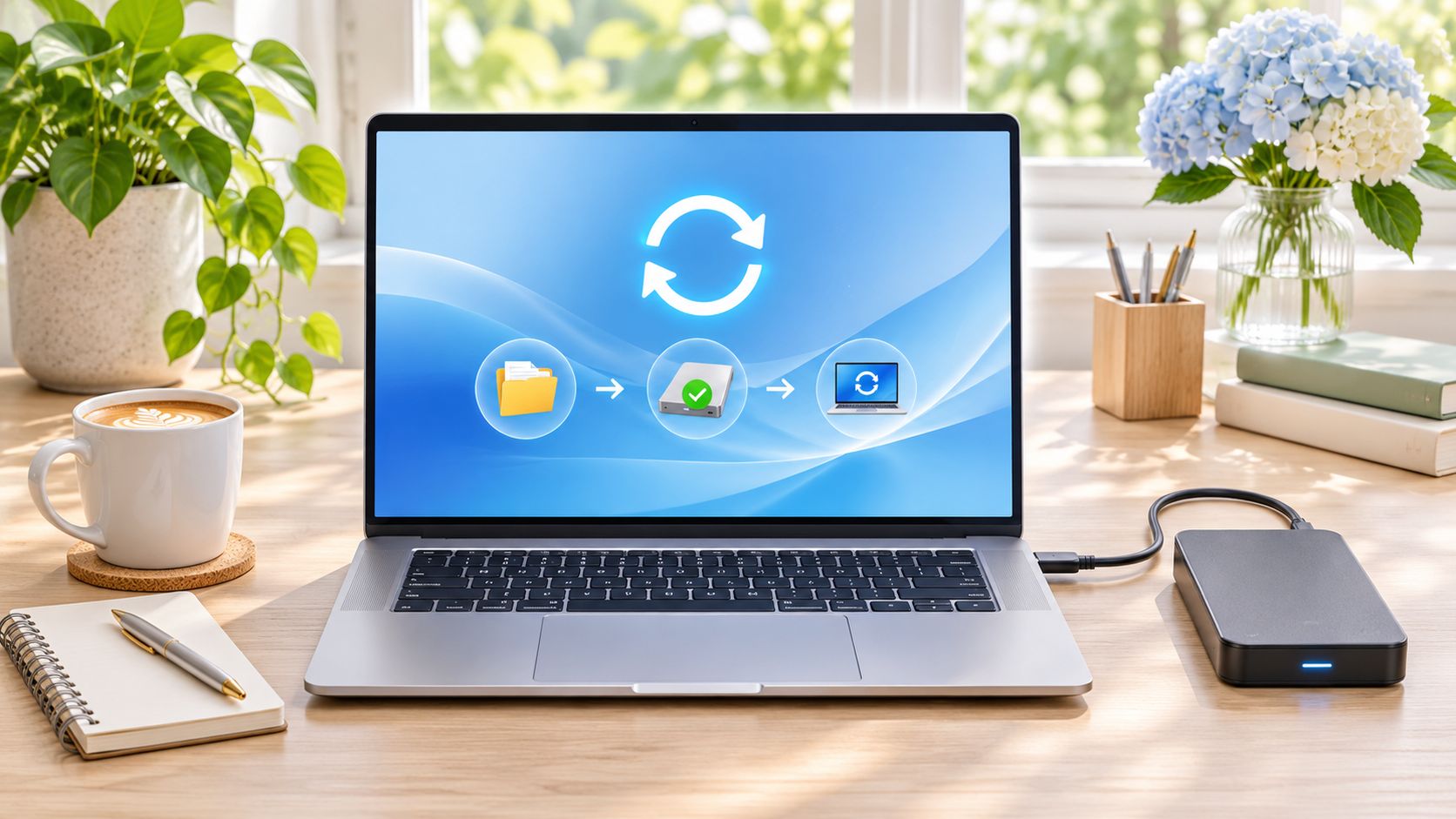
Think of a laptop hardware reset as tidying the desk, not replacing the furniture. It clears old logins, stuck updates and damaged system files.
- Back up files first — a factory reset wipes everything.
- Find your Apple ID or Microsoft password and BitLocker/FileVault key.
- Test power, charging and display with a known-good charger.
- Stop if there is no power, no charge, or no picture.
Once those pass, a reset is usually a sensible DIY job. One careful reset, then ask for help if the fault stays.
A reset clears software. It doesn’t fix hardware.
How to Do a Laptop Hardware Reset — Quick Steps
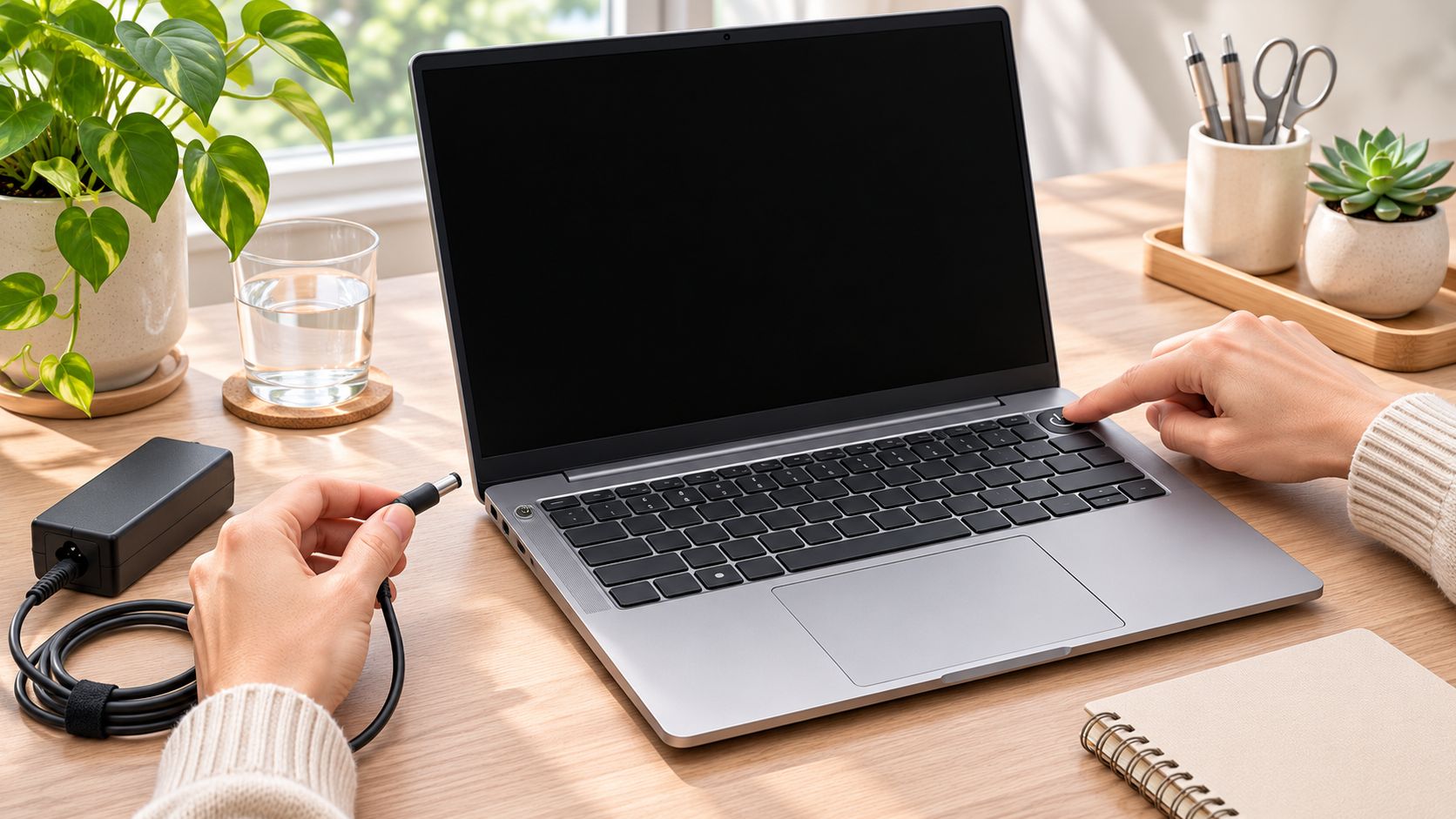
Always start with a power reset. It takes less than a minute and sorts more faults than people expect.
- Shut the machine fully down — not sleep or hibernate.
- Unplug the charger and remove USB kit, docks and SD cards.
- Hold the power button for 15 to 30 seconds to drain residual charge.
- Plug the original or known-good charger back in.
- Switch on and check display, keyboard and fan behaviour.
- If it boots, back up, then use Settings > System > Recovery on Windows or Recovery on Mac for a full erase if needed.
Back up before any factory reset. If you are not sure you can get files back, pause. A reset you regret is worse than a slow machine.
Model Differences Matter
- MacBook, MacBook Air and MacBook Pro — follow Apple’s own recovery and erase guides. Apple silicon and Intel models use different startup options.
- Lenovo and other Windows laptops — go to Settings > System > Recovery and use Reset this PC. If Windows will not boot, use a USB recovery drive.
- ASUS owners — this practical walkthrough to fix a slow ASUS laptop covers prep through to system restore before reuse or resale.
Do not trust random key combinations from forums. Check the manufacturer’s own page for your exact board first.
Know When to Stop
Never push ahead if the problem looks physical. Fans racing, a port that only works at an angle, or a screen that flickers then dies is a workshop job.
We see it often. Someone resets two or three times for what turns out to be a duff lead. One sensible laptop hardware reset, then get advice, saves hours.
Our Experience Refurbishing This Model at Used Mobiles 4U
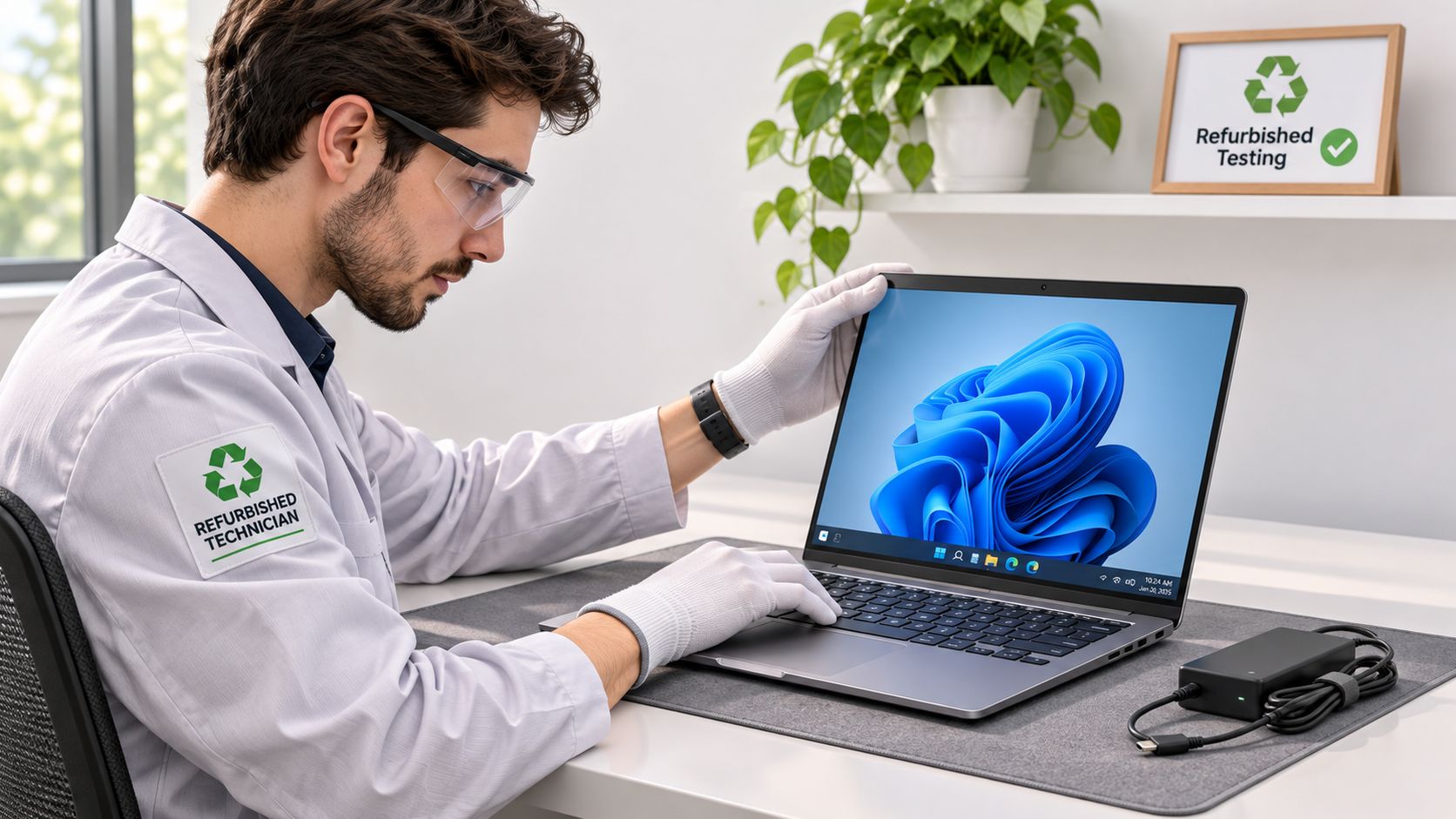
At Used Mobiles 4U, a reset is only the start. Every machine goes through functional checks and secure data wiping before sale. A clean desktop alone proves very little.
One thing we regularly notice is laptops that look fine after a wipe but still fail on keys, hinges or charge. Our technicians often see shiny keyboards, wobbly lids and tired batteries on student Windows machines that have had years of logins.
We check display and backlight, full keyboard, trackpad click and scroll, speakers, mic and webcam, every USB and video port, Wi-Fi and Bluetooth pairing, and how the battery charges, holds and drains in normal use. Anything short gets repaired and retested or removed from sale. Cosmetic grade never covers up a functional fault.
A common example we see is a Windows laptop that takes an age to boot because of old accounts and startup apps. A proper wipe brings it back. The same tidy-up is pointless on a MacBook with no charge light and no picture — sort hardware first. Learn more about how our refurb check catches faults before resale.
What We Check Before Resale
- Identity, charger match, case, hinges and port condition.
- Display, dead pixels, keyboard, trackpad and webcam.
- Steady charge on a good lead, plus Wi-Fi and Bluetooth stability.
- Battery behaviour over charge and drain, not just one percentage.
- Proper data wipe, so no old accounts or traces are left behind.
If you are clearing a laptop yourself before passing it on, read this guide on safe hard drive erasure before donating. If you would rather move it on, see our sell your laptop for money page.
When Repair Beats Another Reset
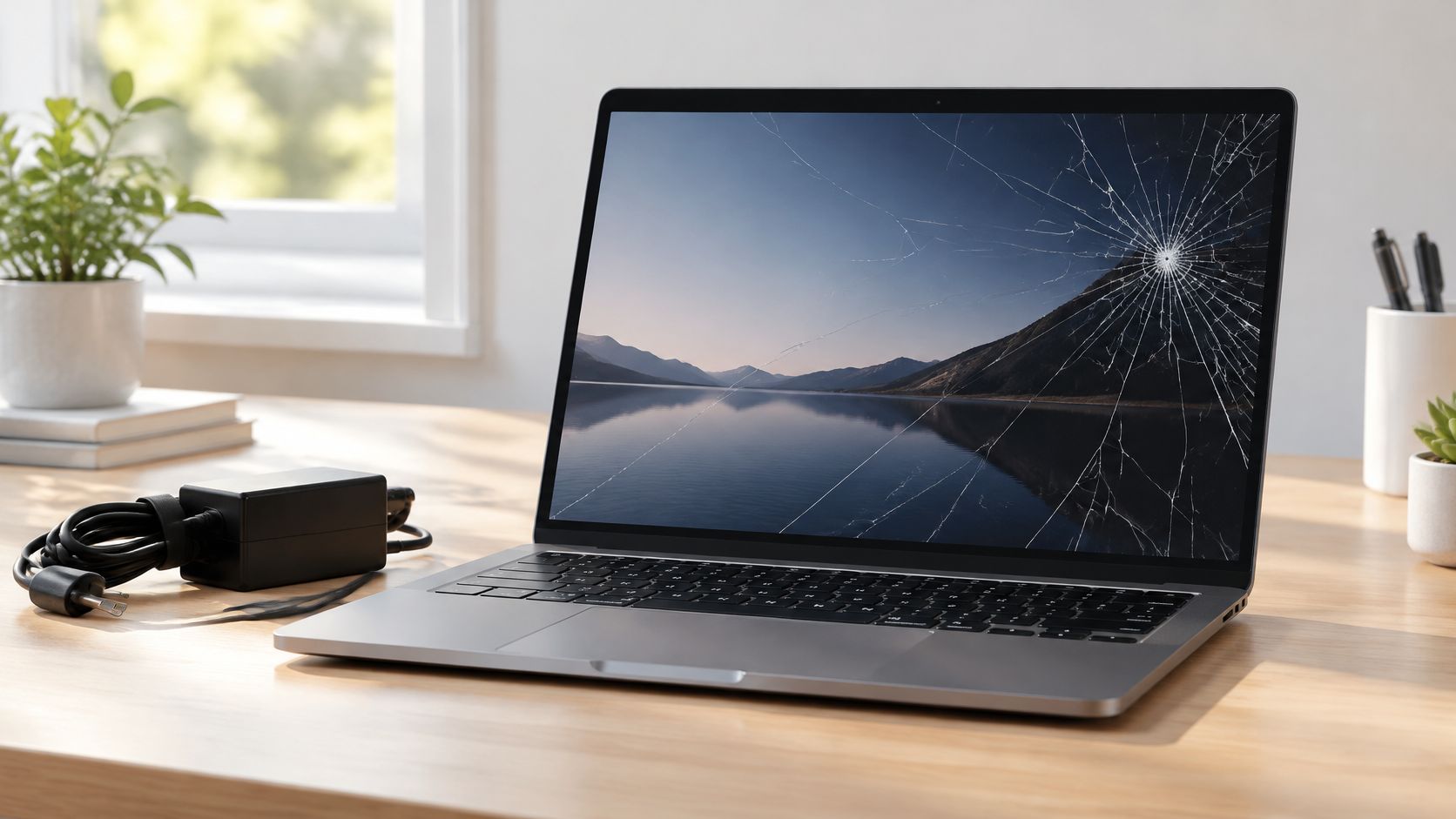
If the fault survives one careful laptop hardware reset, stop resetting. The machine is telling you something else is wrong.
Stop and book a hardware check if you spot:
- No power at all with a known-good compatible charger.
- Black screen, cracked panel, or random shutdowns on mains.
- Charging only when you hold the plug at an angle.
- Missing keys, ghost clicks, or storage errors that stop a reinstall.
A reset is a troubleshooting step, not proof that the hardware is healthy.
Note down the exact error and whether it happens on charger power. For charging faults, see our Lenovo charging troubleshooting guide. MSI owners may find IT Cloud Global laptop repair guidance useful before booking a diagnosis.
Repair or Replace?
- Stick with repair if charging, screen, keyboard and Wi-Fi pass and the fault is isolated.
- Price a battery first if short runtime is the only gripe and it flies on mains.
- Think about replacement if failing storage, cracked screen or charge faults cost more than the laptop has left to give.
Always weigh the full repair quote against a proper like-for-like replacement, not the cheapest advert you spot.
Choose a refurbished MacBook if:
- You are settled in Apple software and want familiar daily use.
- You need solid battery life for study and browsing.
Choose a refurbished Lenovo if:
- You want no-fuss Windows for work, study and everyday browsing.
- You want good value with easy parts and docks.
For normal Windows jobs we would start with refurbished Lenovo laptops. Look for tested, SIM-free where relevant, securely wiped and clearly graded machines with UK support, warranty and returns. Grades vary by storage, battery health, cosmetic condition and availability.
FAQs
Will a laptop hardware reset delete my files?
A power reset will not normally touch files. A factory reset will remove everything, so back up first.
Is a hardware reset the same as a secure wipe?
No. Reinstalling Windows or macOS still leaves traces. It is nothing like the secure wipe we use before resale.
Can I reset if I have forgotten the password?
Only through the official account recovery for that machine. If it is still locked to someone else’s Apple ID or Microsoft account, go back to the seller.
Practical Verdict on a Laptop Hardware Reset
Use a laptop hardware reset for what it is good at — clearing a software glitch and protecting privacy before you pass a working laptop on. Do not use it to fix damaged parts.
It suits a working machine that boots, charges and shows a picture but needs clearing out. It does not suit no-power, no-charge, cracked-screen or swollen-battery machines — skip the reset and get a diagnosis.
Ready for tested stock with minimum 85% battery health, Face ID/charging/camera checks and clear grading? Browse our refurbished range at Used Mobiles 4U and ask which model suits your workload.
Written by James Waterston — 24 years in the mobile phone industry from customer service through to Sales Director of a global repair and recycling company. Now running Used Mobiles 4U for over 8 years.
LinkedIn: https://uk.linkedin.com/in/james-waterston-9039a21a
Looking for a refurbished phone?
Shop professionally tested refurbished iPhones and Samsung phones with 18 month warranty, 30 day returns and free UK delivery.
Browse Refurbished Phones