


MacBook Air M1 Refurbished: Is It Worth It

07/11/2026

12 Mins
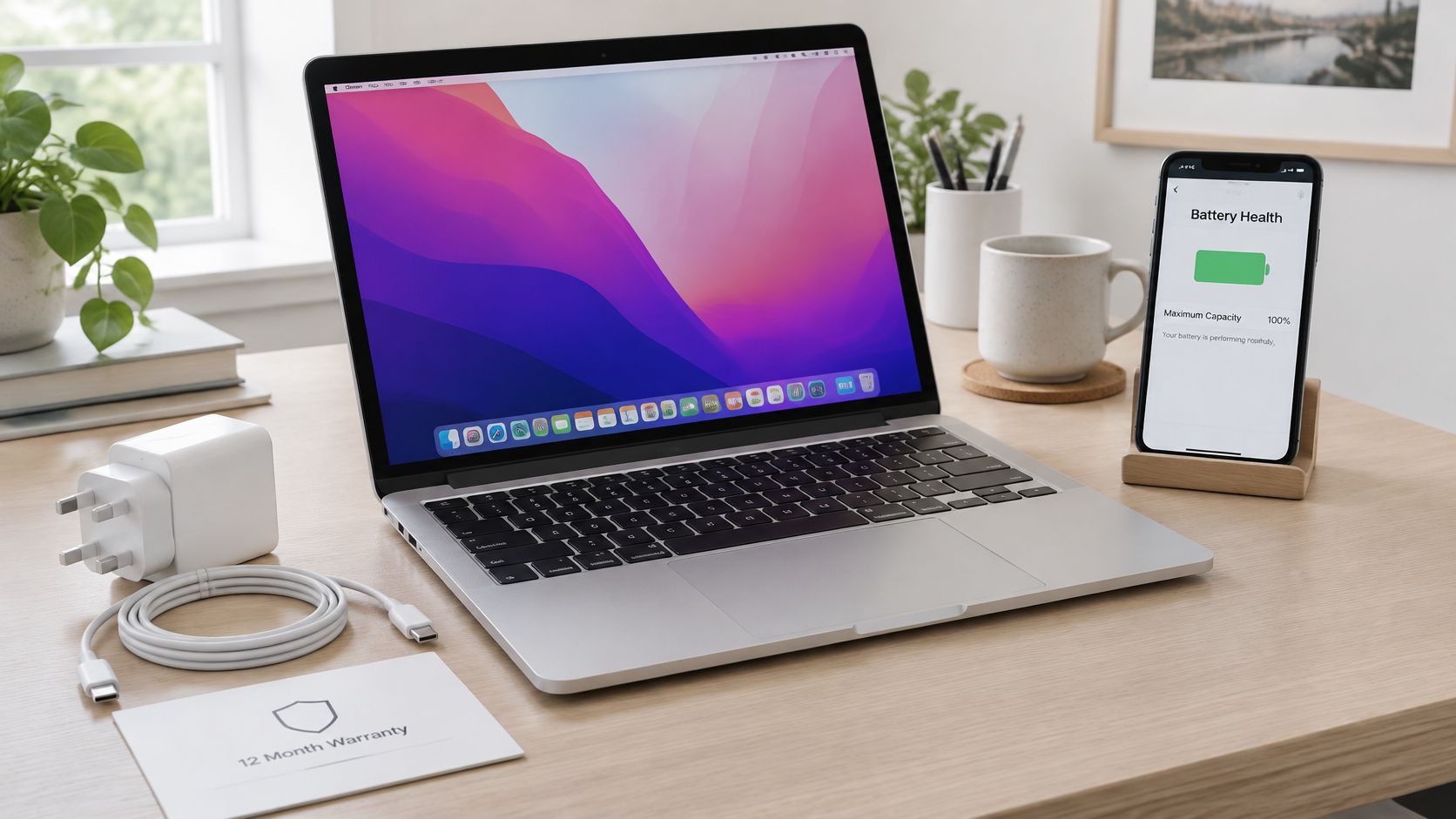
A refurbished M1 Air is worth buying in 2026 for everyday Apple work if the listing shows strong battery capacity, suitable memory and storage, and a clear UK warranty. It’s a poor buy when those details are missing, or when you choose the base model despite already needing 16GB.
Don’t follow the advice to buy the newest MacBook you can afford without looking at what you actually do. For writing, study and office work, a well-prepared older Air can be the more sensible purchase.
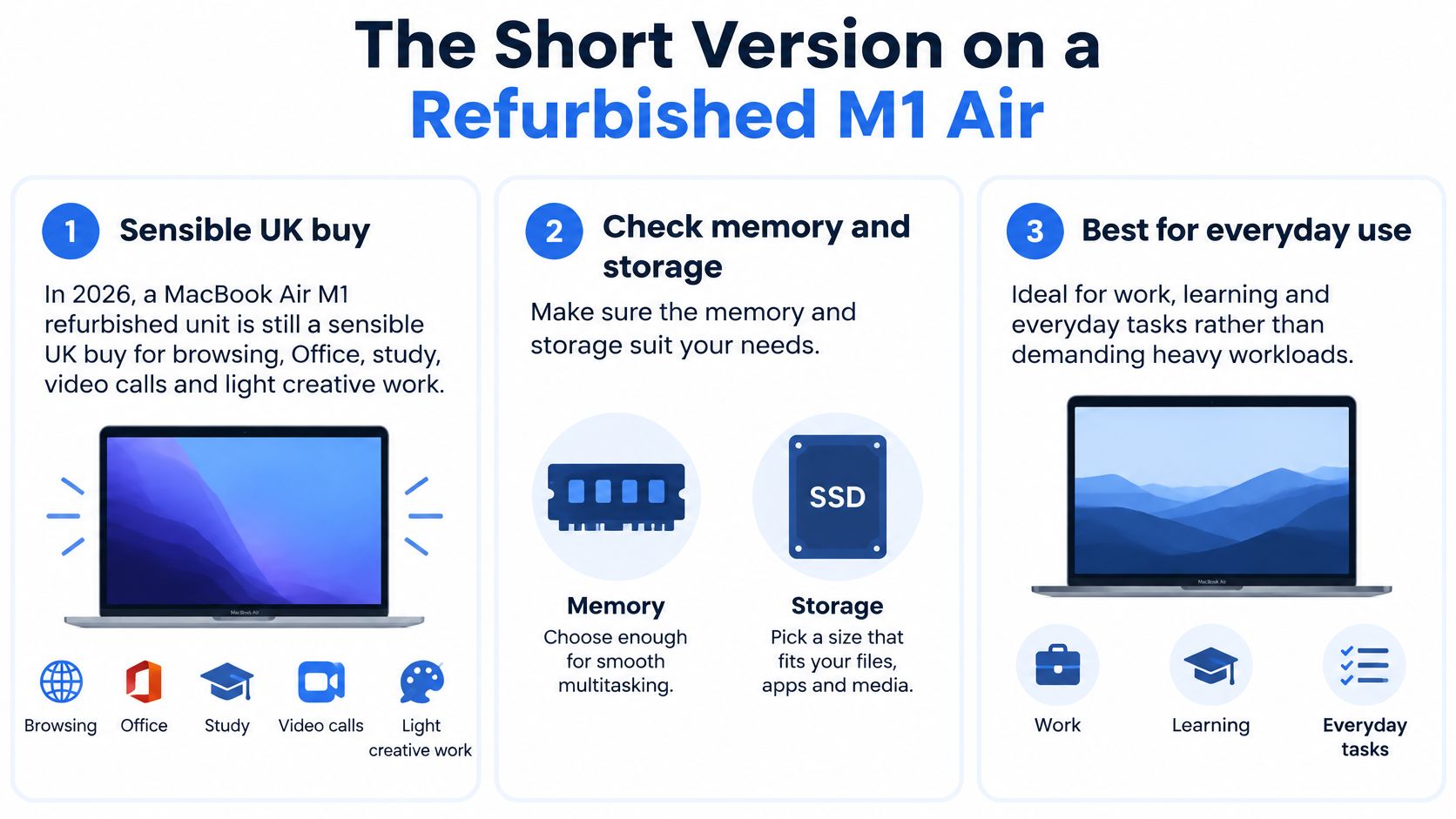
The Short Version on a Refurbished M1 Air
- Buy for everyday work. Documents, browsing, classes, video calls and light creative tasks are sensible reasons to choose it.
- Spend on useful specifications. Extra memory and storage matter more than a cleaner-looking lid.
- Reject vague battery claims. Ask for evidence about the individual machine.
- Read the warranty. A clear fault-handling process matters more than reassuring sales language.
The strongest reason to buy a MacBook Air M1 refurbished is that its everyday usefulness hasn’t disappeared simply because newer models exist. The weakest reason is that it used to cost much more. Historical pricing helps identify the product, but it doesn’t tell you whether today’s particular used machine is good value.
Original figures to match against a listing
Apple’s UK launch announcement places the launch in November 2020, with an entry price of £999 for an 8-core CPU, 7-core GPU, 8GB unified memory and 256GB SSD. Those are identification details and a historical price reference, not a current selling-price recommendation.
- Launch and age. Confirm that the listing describes the original M1 generation, rather than assuming every wedge-shaped Air is the same machine.
- Entry price. Ignore percentage-off language unless the actual specification, condition and cover make sense.
- Processor. Check that About This Mac identifies Apple M1, not an Intel processor.
- Graphics. Get the fitted GPU configuration in writing if creative software is part of your workload.
- Memory and storage. Match the listing to your applications and local files before paying.
- Display and ports. Look for a clear screen description and confirmation that every connection has been tested.
- Size. Consider whether the portable Air format suits your bag, desk and travel routine.
- Claimed runtime. Separate original advertising from evidence about the battery now installed.
Don’t let a long specification list distract you from missing condition information. A seller can copy every original Apple specification without telling you whether the charger works properly or the battery needs attention.
Buying rule. The model tells you what the laptop was designed to do. The testing, battery evidence and warranty tell you what you’re actually buying.
For ordinary work, prioritise a properly documented machine over a cosmetically immaculate one with unanswered questions. A small mark on the aluminium is easy to live with. An unreliable charging connection isn’t.
What Refurbished and the Grade Actually Mean
Say you’re comparing a spotless-looking Air with another showing light marks around the lid. The cleaner machine isn’t automatically the better purchase. Its battery could be more worn, and its listing could say much less about testing.
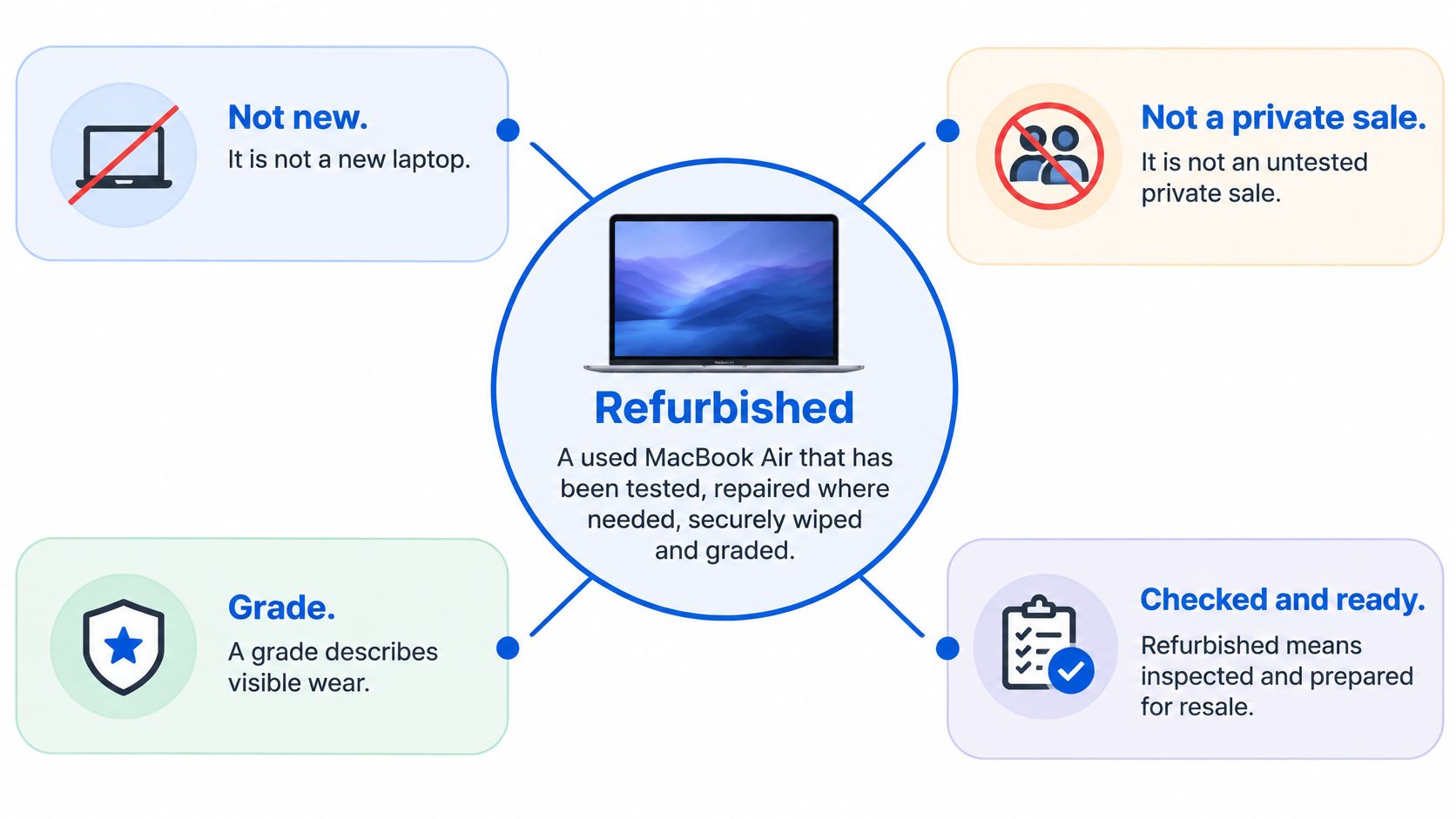
Refurbished should mean a used laptop that has been inspected, tested, repaired where necessary, securely wiped and prepared for resale. It doesn’t mean new, and the word alone doesn’t establish which checks were completed. “Renewed”, “used” and “refurbished” aren’t promises you should treat as interchangeable.
Read cosmetic grades as appearance descriptions
Use the following descriptions as a comparison guide, not a universal grading standard. Each seller’s written definition takes priority, and photos should support it.
- Like New. Barely visible marks. It’s the closest cosmetic option to new, but battery evidence still matters.
- Excellent. Light marks visible at normal viewing distance. Often a sensible compromise when the functional condition is clearly documented.
- Very Good. Obvious wear that doesn’t affect use. Choose it because you’re comfortable with the appearance, not because you assume it has been used less.
- Good. Heavier cosmetic wear on a machine that has passed functional checks. Look closely at corners, screen condition and the supplied accessories.
Shiny keys tell you that someone has typed on the laptop. They don’t prove that the keyboard is faulty. Equally, a clean lid doesn’t prove that the display, charging connections or battery are sound.
Apple’s UK refurbished specification provides useful physical reference points: a 13.3-inch, 2560-by-1600 Retina display, two Thunderbolt/USB 4 ports supporting up to 40Gb/s, and a weight of 1.29kg. Those describe the model, not the condition of an individual example.
Read the grade, photographs and functional notes as separate pieces of evidence. None replaces the others.
A worthwhile refurbishment process also deals with failed checks. Repairs should be followed by retesting, and machines that don’t meet the seller’s standard shouldn’t be offered as ready to use. Secure data wiping belongs in that process too, rather than being left to the next owner.
Battery Health Expectations Before You Buy
Trusting the original runtime claim is the easiest way to buy a disappointing refurbished Air. Apple’s M1 MacBook Air specifications describe a 49.9Wh lithium-polymer battery, rated when new for up to 15 hours of wireless web use or 18 hours of Apple TV playback, with a supplied 30W USB-C adapter. Those figures aren’t a measurement of the used battery in your basket.
Brightness, video calls, background applications and exports all affect runtime. A processor that still feels quick can sit beside a battery that no longer suits working away from a socket.
Battery evidence that changes the decision
- Maximum capacity. A stated percentage is useful. No percentage, paired with a general claim about lasting well, is a reason to pause.
- Cycle count. Read it alongside capacity and condition. A seller refusing to check it leaves an avoidable gap.
- Service message. Ask whether macOS reports “Service Recommended”. If it does, resolve the service question before buying.
- Charger. Confirm that a tested, suitable USB-C adapter, cable and UK plug arrangement are included.
- Runtime wording. Prefer a seller who distinguishes original Apple ratings from any observations about the actual unit.
- Battery cover. Look for a written explanation of covered faults, exclusions and the process for reporting a problem.
Maximum capacity describes how much charge the battery can hold relative to its original capacity. Cycle count gives additional usage context, but neither number should be used alone to promise a working day.
A student writing notes with moderate brightness has a different workload from someone spending the afternoon on video calls. Strong capacity gives the first buyer a better prospect of useful unplugged time, but it doesn’t remove the need to consider how they work.
“Good battery life” isn’t battery evidence.
Check the battery and charging together
Our guide to checking MacBook battery health helps you find the relevant information. In macOS, inspect Battery Health in System Settings, then use System Information and its Power section for the available battery details.
Check that charging remains stable when the laptop is moved normally on a desk. Put it to sleep, wake it again and confirm that the battery reading behaves sensibly. An intermittent connection needs investigating even if the battery percentage looks reassuring.
A retailer should state its own laptop battery standard rather than leaving you to infer one from its phone policies. A voluntary battery promise is also separate from your statutory rights.
Consider a cheaper machine with an unresolved battery warning beside a slightly dearer machine with documented condition. Once you obtain a battery-service quote, the cheaper option may stop making sense. Compare the likely total cost, not just the checkout price.
Memory Storage and Speed in Daily Use
The processor usually isn’t the first limitation an everyday buyer needs to worry about. In its MacBook Air M1 review, Creative Bloq describes the fanless M1 design with four performance cores, four efficiency cores, a 16-core Neural Engine and either a 7-core or 8-core GPU, alongside the practical choice between 8GB or 16GB memory and storage such as 256GB or 512GB. Crucially, the memory and internal storage can’t be upgraded later.
Unified memory lets the processor and graphics work from a shared memory arrangement. That helps explain why this Air can feel responsive without the specification resembling a conventional laptop shopping list. It doesn’t make memory unlimited.
Choose the base M1 Air if
- Your work is focused. Documents, classes, email, browsing, streaming and calls are the main jobs.
- Your files are manageable. You don’t need to keep a large photo or video archive on the internal drive.
- You want practical value. You’d rather pay for documented condition than unused performance.
Choose more memory, more storage or a newer MacBook if
- You already hit memory limits. Development tools, large projects and heavy multitasking are normal parts of your day.
- You keep substantial local libraries. Video, photographs and application installers already crowd your current drive.
- Your applications dictate the specification. Buy for their real requirements, not for a bargain label.
Our recommendation for ordinary study and office work is a healthy base machine. Don’t spend more merely because a specification sounds more professional. Equally, don’t buy a memory configuration you already know is restrictive and hope to fix it afterwards.
Consider a student whose coursework is mostly documents and browser-based learning. The laptop may handle that comfortably, but keeping every phone video and photography project locally can still create a storage problem. More processor speed wouldn’t solve it.
Spend where you feel the limit. Choose memory for active workloads and storage for the files you need to keep.
The higher GPU configuration matters more for graphics-intensive work than email. If your creative workload involves sustained processing, look at the whole machine and the application requirements rather than paying extra for the GPU label alone.
Software compatibility is another check, not a substitute for hardware condition. Confirm that the macOS version you need supports your applications, and don’t accept an unsupported promise about how many future updates remain.
Our Experience Refurbishing This Model at Used Mobiles 4U
Our practical approach is to separate appearance from faults. A polished keyboard surface is a condition detail; a key that misses presses is a functional problem. Neither should be hidden behind a broad grade.
We securely wipe devices before resale, and the point of our refurbishment process is to establish whether a machine is ready for another owner. A familiar model name doesn’t remove the need to check the individual unit.

What we check before resale
- Startup and macOS behaviour. The machine should start normally, respond consistently and be ready for legitimate setup by its next owner.
- Battery information. Read the available health, condition and usage information rather than judging from the charging symbol.
- USB-C connections. Test charging and connected-device behaviour across the fitted ports.
- Keyboard and trackpad. Check input, clicks, gestures and any inconsistent response.
- Display. Inspect different backgrounds for marks, unevenness and defects that a wallpaper can conceal.
- Calls and audio. Test the webcam, microphone and speakers.
- Wireless and sleep. Check Wi-Fi connectivity and normal sleep-and-wake behaviour.
- Presentation and data. Match the cosmetic description to the machine and complete the secure-wipe process.
Signs worth investigating include missing feet, dents near connections, a loose-feeling hinge and a charging cable that must sit at a particular angle. Screen wear may become clearer against a plain background than against a colourful desktop image.
These signs need interpretation, not guesswork. A shiny trackpad suggests contact wear, but it doesn’t establish battery condition. A damaged corner needs closer inspection because the concern is what happened underneath, not simply how it looks.
Repair what makes sense
A battery, charger, missing feet or damaged display may be repair or replacement candidates where the rest of the machine justifies the work. That isn’t a promise that every refurbished Air receives those parts. Replacement should follow diagnosis, not a routine assumption that every old component is faulty.
Back up your files before arranging repair, particularly if the work could involve storage, a logic board or a replacement machine. Ask what happens to your data before handing the laptop over.
If several costly faults are present, moving to another tested unit can be the calmer decision. Repairing an otherwise sound laptop is different from repeatedly spending money on a machine with unrelated problems.
The M1 Air remains a sensible format for someone wanting a light Apple laptop. For a buyer whose real issue is workload capacity, the answer is a correctly specified MacBook, not cosmetic refurbishment of an unsuitable base machine.
Warranty Returns and a Safe UK Purchase
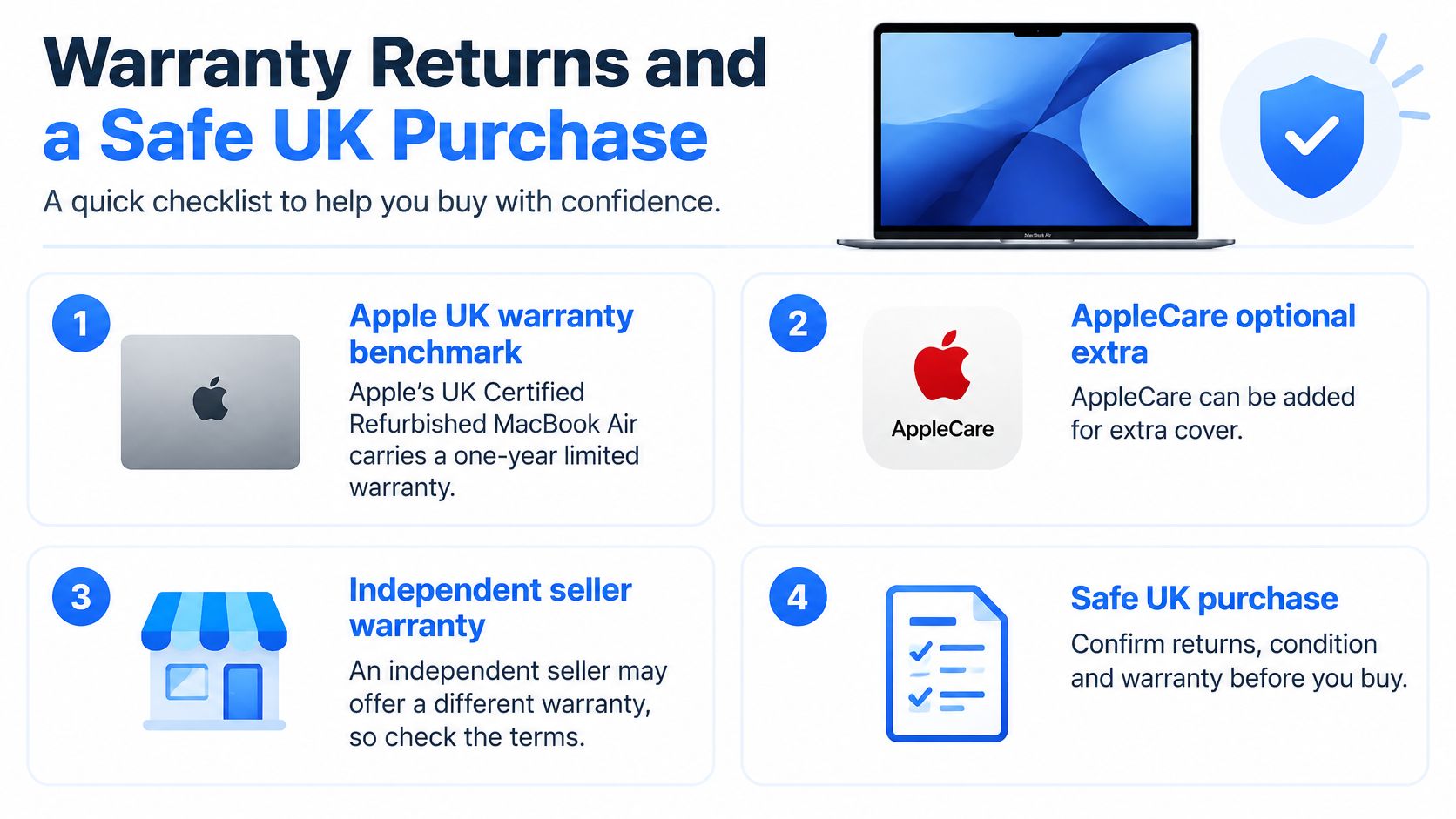
Apple’s UK Certified Refurbished listing gives a useful benchmark: a one-year limited warranty, with AppleCare available as an optional extra. Independent retailers can offer different terms, so read the actual cover rather than assuming the same arrangement applies everywhere.
Check hardware faults, battery faults, the charger, labour and return postage. Establish how accidental or liquid damage is treated and how you report an intermittent problem.
Your rights aren’t just the warranty
A commercial guarantee doesn’t replace statutory consumer rights. The Northern Ireland government’s consumer-rights guidance explains the 30-day short-term right to reject goods that are faulty, not as described or unfit for purpose for a full refund, with the rejection period pausing during an agreed repair or replacement.
Expiry of a voluntary guarantee doesn’t automatically end every statutory remedy. The circumstances still matter, including what was sold, how it was described and the nature of the fault.
How to check your delivery, quick steps
- Save the order confirmation, listing wording and grade photographs.
- Confirm that the supplied memory, storage and colour match your order.
- Charge using the supplied adapter and cable.
- Test each USB-C connection with a suitable device.
- Try the keyboard, trackpad, speakers, webcam and microphone.
- Join Wi-Fi, then check sleep and wake.
- Read the battery information and inspect cosmetic condition in daylight.
- Report any mismatch promptly, keeping photographs and written correspondence.
Apple Certified Refurbished and UK retailers publishing clear condition, battery, warranty and returns information are sensible routes. A private sale can require accepting less practical protection and more responsibility for checking the machine yourself.
Don’t reset or reinstall the laptop as your first response to an unexplained fault. Record what happens and contact the seller first; troubleshooting or wiping can remove useful evidence, and erasing a machine deletes your files.
What Usually Affects Value
The original entry price is useful historical context, but it isn’t a current valuation. Compare today’s listings on equivalent specifications and evidence, not a dramatic discount against old retail pricing.
- Battery documentation. Capacity, cycles and condition help you judge whether the laptop suits mobile use.
- Memory and storage. A configuration that fits your work is worth more to you than an impressive discount on the wrong one.
- Graphics configuration. Establish what is fitted before paying a creative-work premium.
- Cosmetic accuracy. Good photographs make it easier to decide which marks you can accept.
- Included accessories. A missing charger adds another purchase and another compatibility check.
- Written cover. Useful warranty terms and a clear fault process reduce uncertainty.
- Age and application suitability. Check what the machine can run now without assuming a guaranteed future support period.
Compare complete purchases
Our MacBook Air price guide can help frame the comparison, but the individual product description should decide it. Current pricing and availability need checking when you buy.
A cleaner grade isn’t automatically worth stretching your budget for. If you’re comfortable with visible wear, direct the money towards the condition and specification that will affect your working day.
Keep alternatives in view without assuming newer always means better value. A newer machine with the wrong configuration can still be the wrong purchase.
Buy the Refurbished M1 Air or Spend More
A MacBook Air M1 refurbished is worth buying for writing, study and home-office work when the individual machine is properly documented. It suits buyers who want a portable, silent Apple laptop and are comfortable choosing around their actual workload.
Avoid listings with hidden battery information, inconsistent photographs or unresolved charging problems. Spend more when your applications need additional resources, or when a different screen and connection arrangement would materially improve your work.
Choose the M1 Air if
- You need an everyday laptop. Its condition and specification fit the work you do now.
- You can verify the purchase. The description, battery evidence and written cover give you clear expectations.
Choose a higher-specification or later MacBook if
- Your workload demands it. Compare an appropriately configured refurbished MacBook Pro M2 rather than forcing an unsuitable base Air to fit.
- Your priorities go beyond basic portability. Buy the features you’ll use, not merely a newer badge.
Reuse is worthwhile when a seller tests, wipes, repairs sensibly and takes responsibility afterwards. The word refurbished alone doesn’t prove that work happened.
Meta description MacBook Air M1 refurbished buying advice for UK shoppers. Check battery health, memory, storage, grading and warranty before choosing an older Apple laptop.
Written by James Waterston, 24 years in the mobile phone industry from customer service through to Sales Director of a global repair and recycling company. Now running Used Mobiles 4U for over 8 years.
James Waterston on LinkedIn
Used Mobiles 4 U offers refurbished MacBooks for work, study and everyday use, alongside refurbished phones, Lenovo laptops and tablets. Visit Used Mobiles 4 U to compare current listings, and check the stated grading, data-wiping information and cover before choosing your next laptop.
Looking for a refurbished phone?
Shop professionally tested refurbished iPhones and Samsung phones with 18 month warranty, 30 day returns and free UK delivery.
Browse Refurbished Phones